
View asset →
Featured
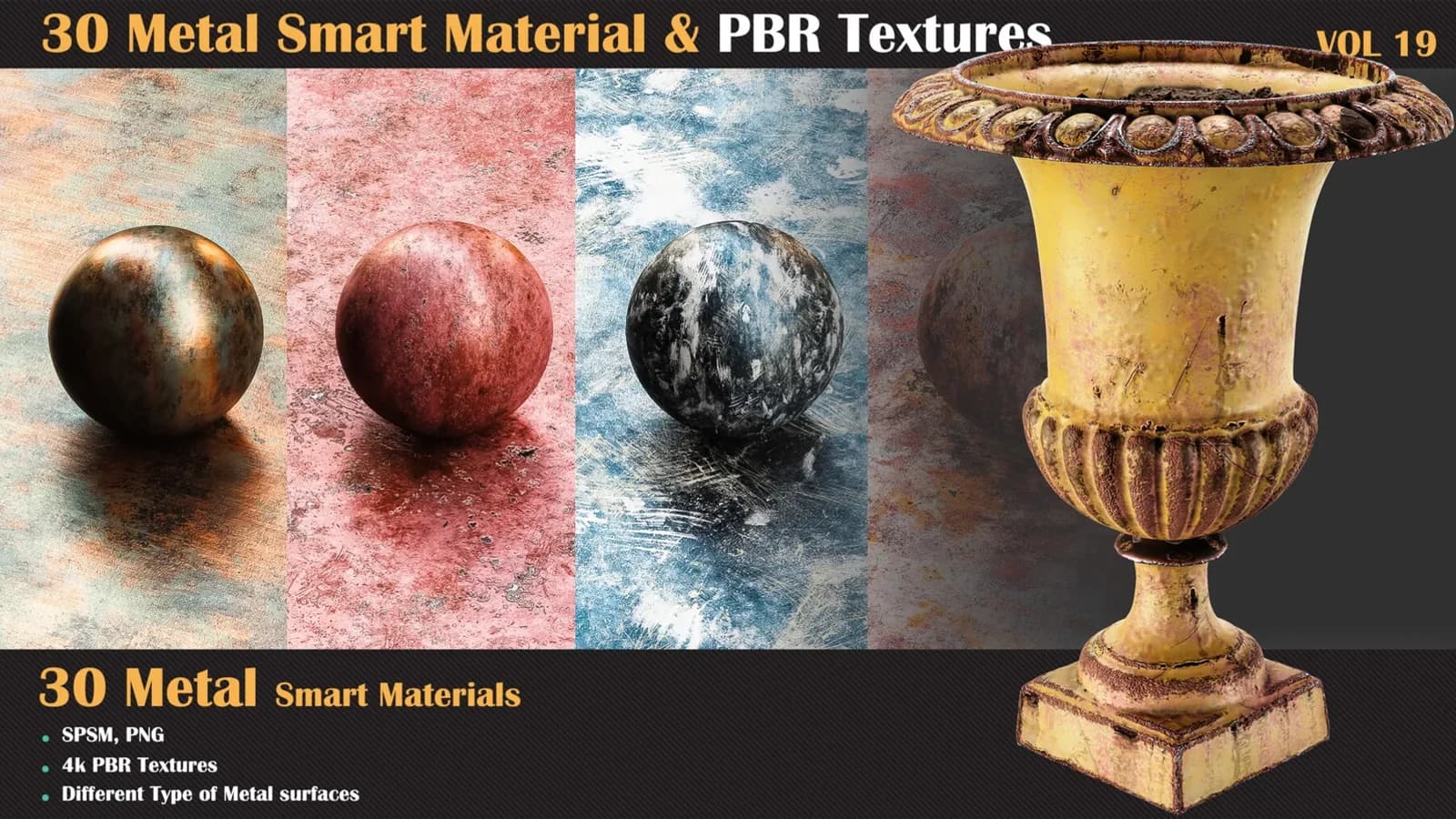
30 Metal Smart Materials & PBR Textures — VOL 19
This pack includes 30 high-quality metal smart materials for Substance Painter, ideal for creating realistic metallic surfaces.
$7.99
Instant download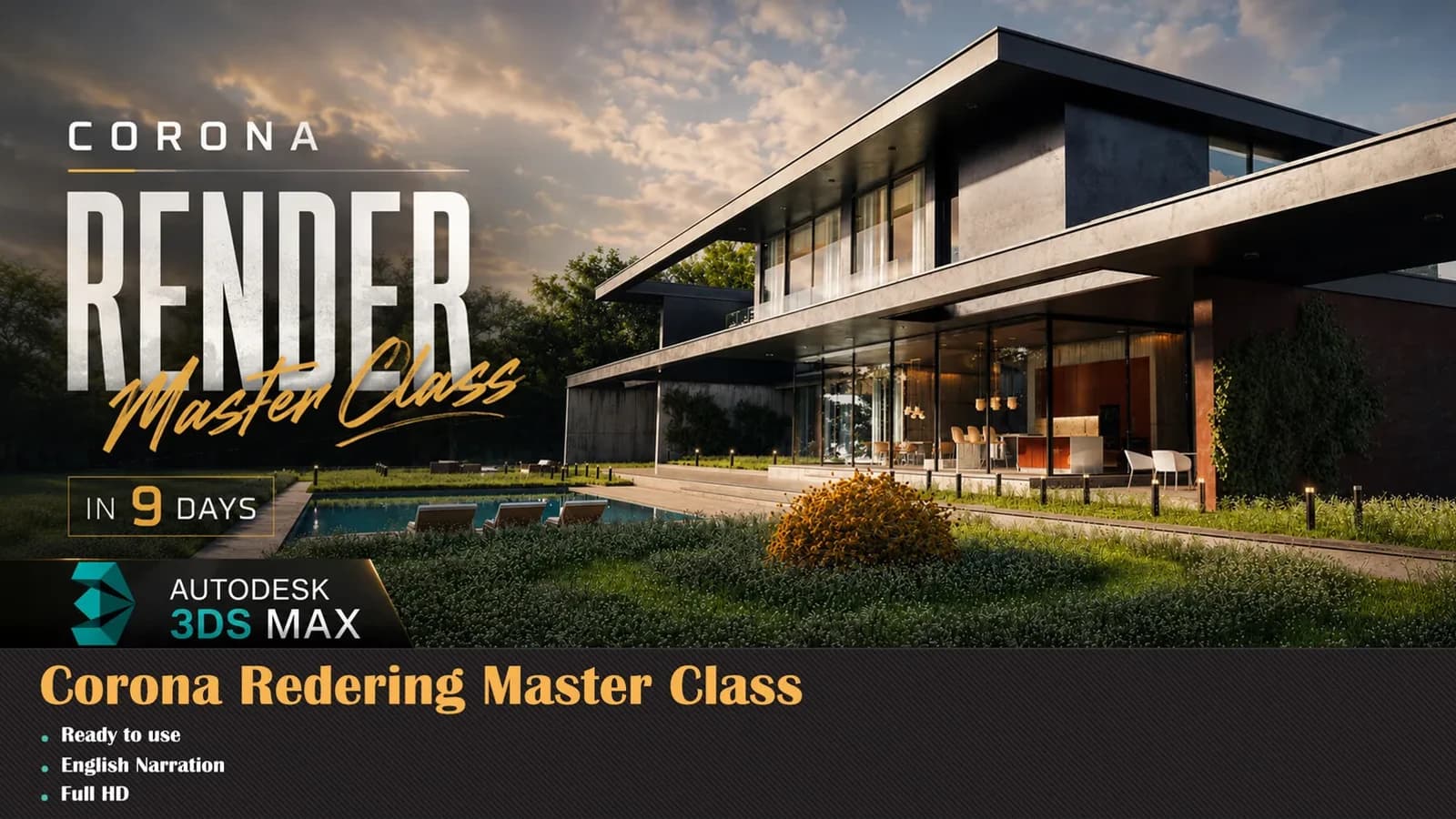
Corona Renderer Masterclass — Professional Production Workflow (9-Day Intensive).
Duration
15 Hours
Projects
9
Language
English
Level
A to Z Master Level
Every one of these is built step by step inside the course.
Corona Renderer Masterclass — Professional Production Workflow (9-Day Intensive)
Master Corona Renderer and create professional-quality renders for architecture, product visualisation, and marketplace production.
This is NOT just another technical tutorial where you memorize settings and buttons. Based on 10+ years of hands-on Corona experience, this 9-day intensive course teaches you real production workflows — the same techniques used in actual professional projects. Every day is built around real projects, so you'll understand exactly how cinematic scenes are created from start to finish.
Day 1 — Corona Foundations
Day 2 — Nighttime Interior
Build realistic night lighting, work with render effects, and master the settings that give renders atmosphere and cinematic quality.
Day 3 — AI-Powered Workflows
Work on an AI-generated scene, then dive into arrangement, material creation, and enhancing renders with modern AI technologies.
Day 4 — Exterior Visualisation
Outdoor lighting scenarios, exterior material workflows, and professional post-production techniques.
Day 5 — Materials Deep Dive
Metals, concrete, bricks, glass, displacement workflows, and advanced surface behaviors built from scratch.
Day 6 — Interior Kitchen & Fabrics
A full interior kitchen project plus a fabric chair study with detailed fabric and leather materials.
Clean, high-end studio lighting setups that give products a premium, commercial look.
Day 8 — Full Interior Scene
Build advanced materials, place multiple cinematic cameras, and capture professional renders from every angle.
Day 9 — Large-Scale Environments
Environment composition, vegetation placement, scene organisation, and how to prepare your projects for selling on marketplaces.
Whether you're freelancing, working in a studio, creating content, or selling digital products online, this course takes you beyond beginner tutorials into a real professional production pipeline.
────────────────────
────────────────────
Made by Milad Kambari — 3DRedBox Studio.
Stream online or download the whole course for offline study.
Pay once. It stays in your library permanently.
New chapters and corrections are added at no extra cost.
No questions asked, no form to fill in.
3ds Max 2025, Corona Renderer
Every session is a complete piece of work — here is exactly what you build and when.
Core concepts, workflow basics, camera composition, scene setup, and essential plugins & scripts to boost your speed.
Build realistic night lighting, work with render effects, and master the settings that give renders atmosphere and cinematic quality.
Work on an AI-generated scene, then dive into arrangement, material creation, and enhancing renders with modern AI technologies.
Outdoor lighting scenarios, exterior material workflows, and professional post-production techniques.
Metals, concrete, bricks, glass, displacement workflows, and advanced surface behaviors built from scratch.
A full interior kitchen project plus a fabric chair study with detailed fabric and leather materials.
Clean, high-end studio lighting setups that give products a premium, commercial look.
Build advanced materials, place multiple cinematic cameras, and capture professional renders from every angle.
Environment composition, vegetation placement, scene organization, and how to prepare your projects for selling on marketplaces. Whether you're freelancing, working in a studio, creating content, or selling digital products online, this course takes you beyond beginner tutorials into a real professional production pipeline. ──────────────────── ## TECHNICAL DETAILS: • Software: 3ds Max 2025 • Duration: 15 hours • Quality: Full HD • Language: English • Voice: AI (human qual…
Twenty years of production texturing and material authoring, four consecutive ArtStation Marketplace top-seller years, and 5,000+ students taught since 2005.



Seven days to change your mind, no questions asked.
Libraries and tools built for the same pipeline — use them on the course projects or your own.
This pack includes 30 high-quality metal smart materials for Substance Painter, ideal for creating realistic metallic surfaces.
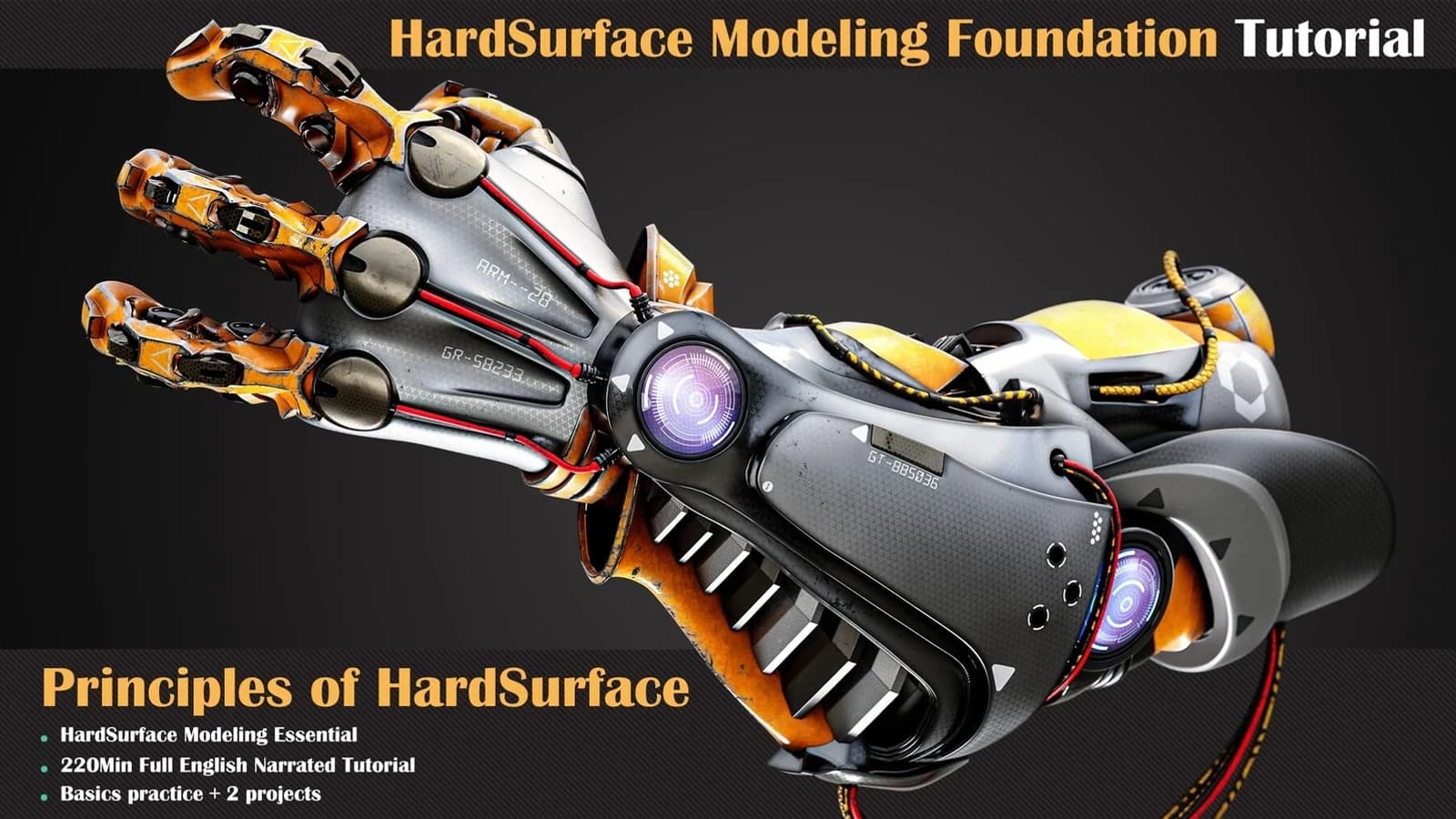
Learning the basics of a job is one of the most important things to consider.
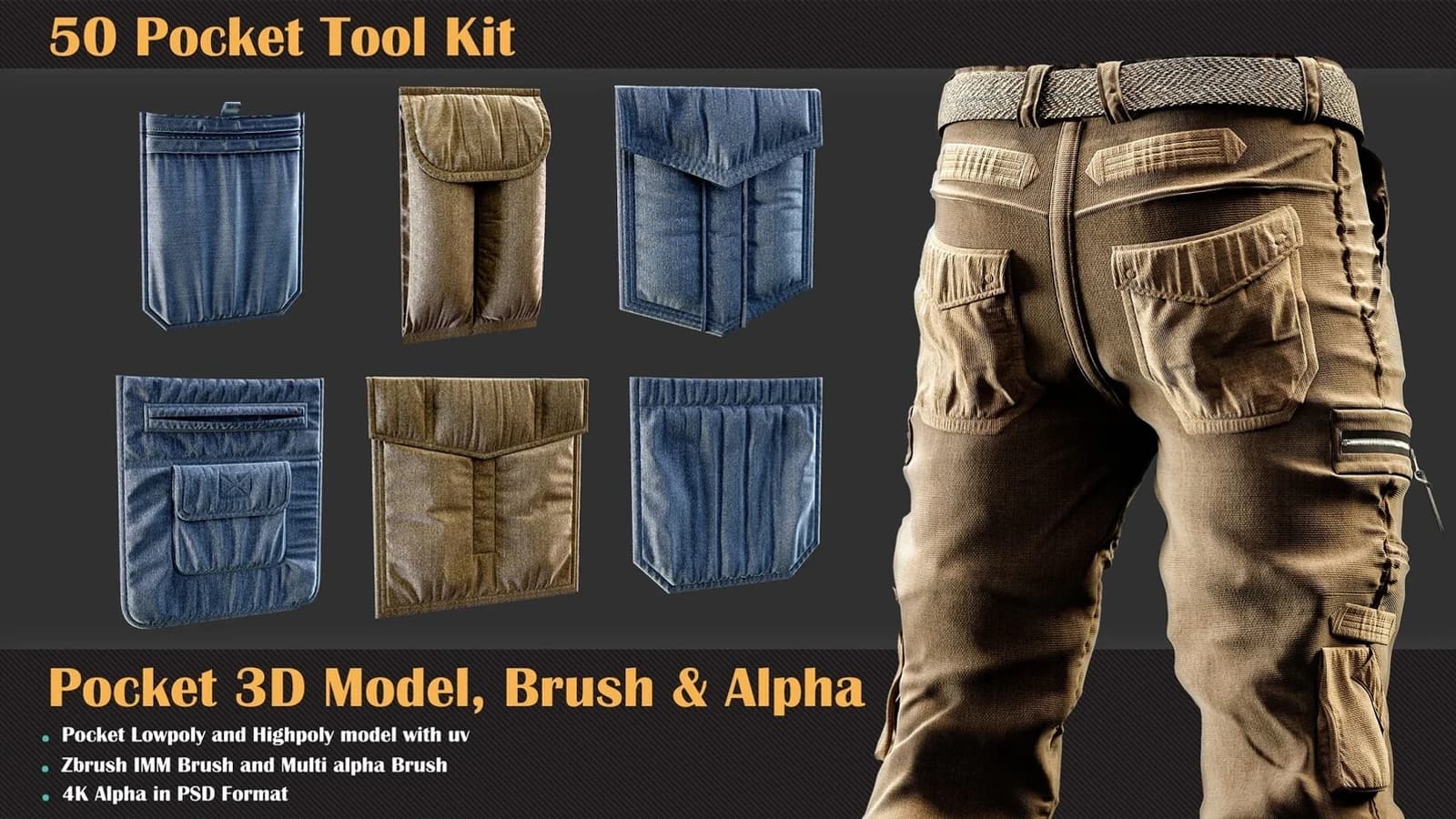
This is the first collection of clothing accessories that contains various formats of the pocket category.
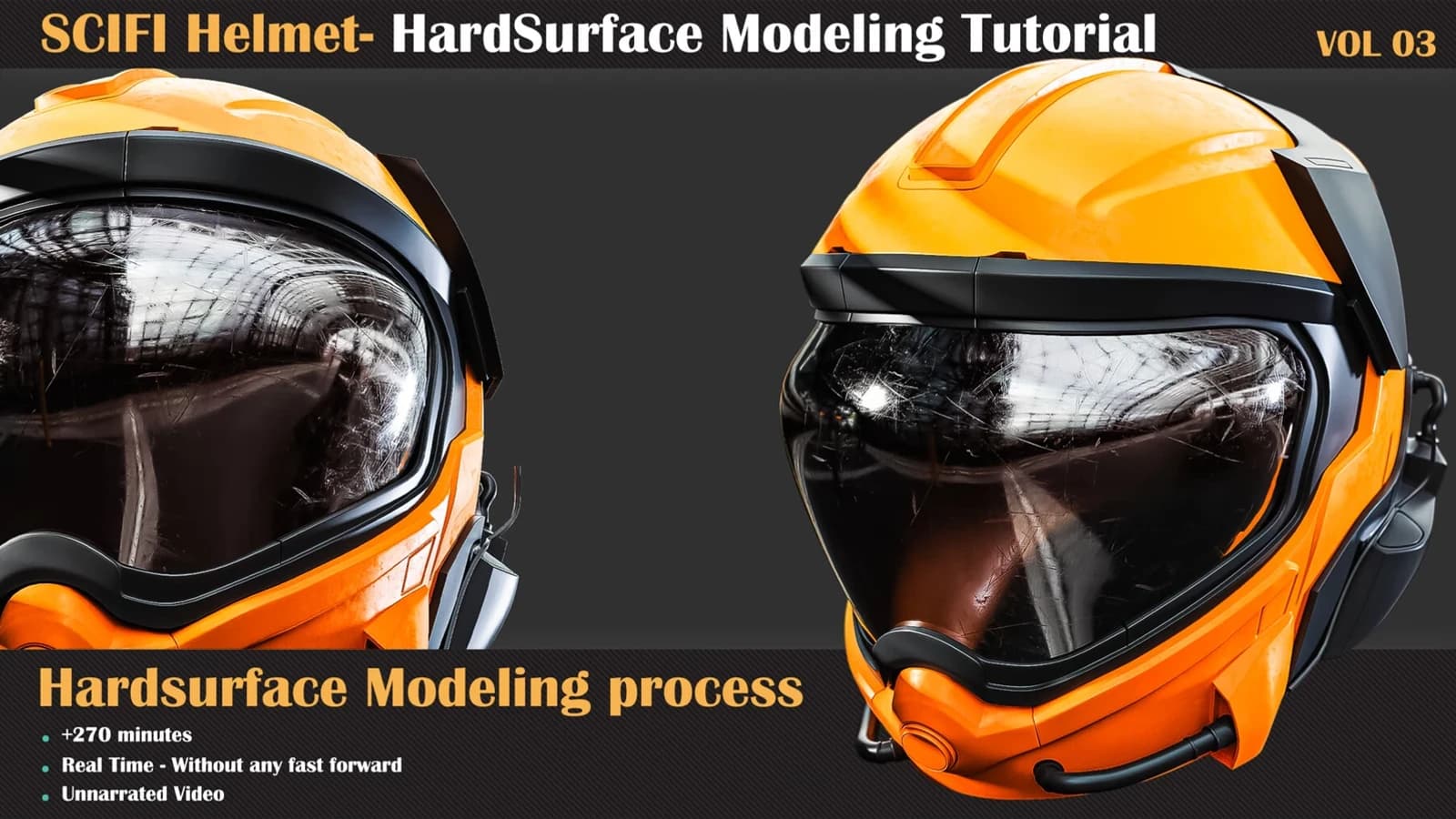
Hardsurface Tutorial Collection VOL 03 takes a sci-fi helmet from 2D concept to finished hard-surface mesh in 270 unnarrated minutes of 3ds Max.