View asset →
Featured
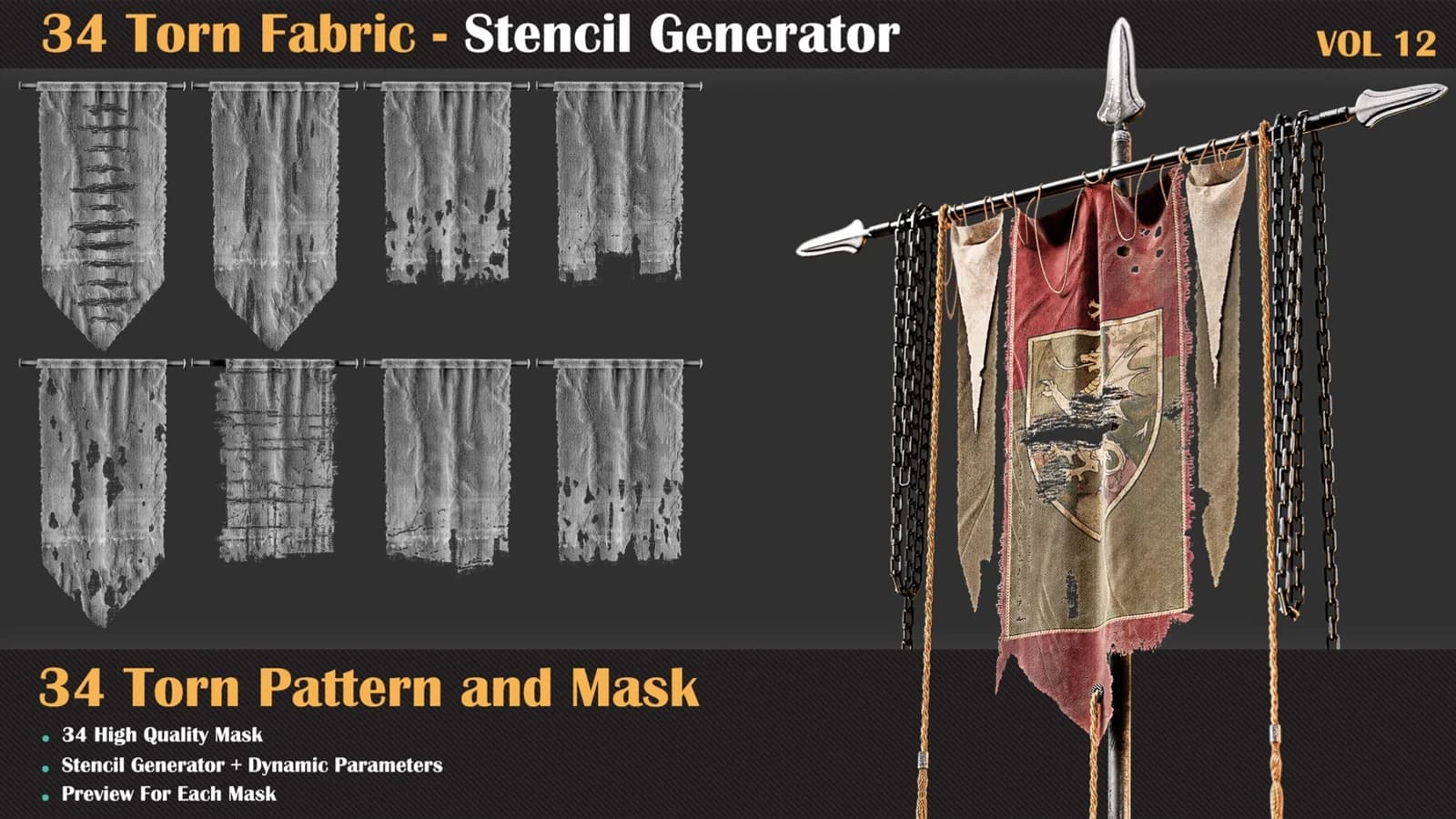
34 Torn Fabric Texture + Stencil Generator — VOL 12
34 Torn Fabric Texture + Stencil Generator — VOL 12. Built for Substance Painter and Substance Designer. Seamless in both axes at 4K.
$7.99
Instant download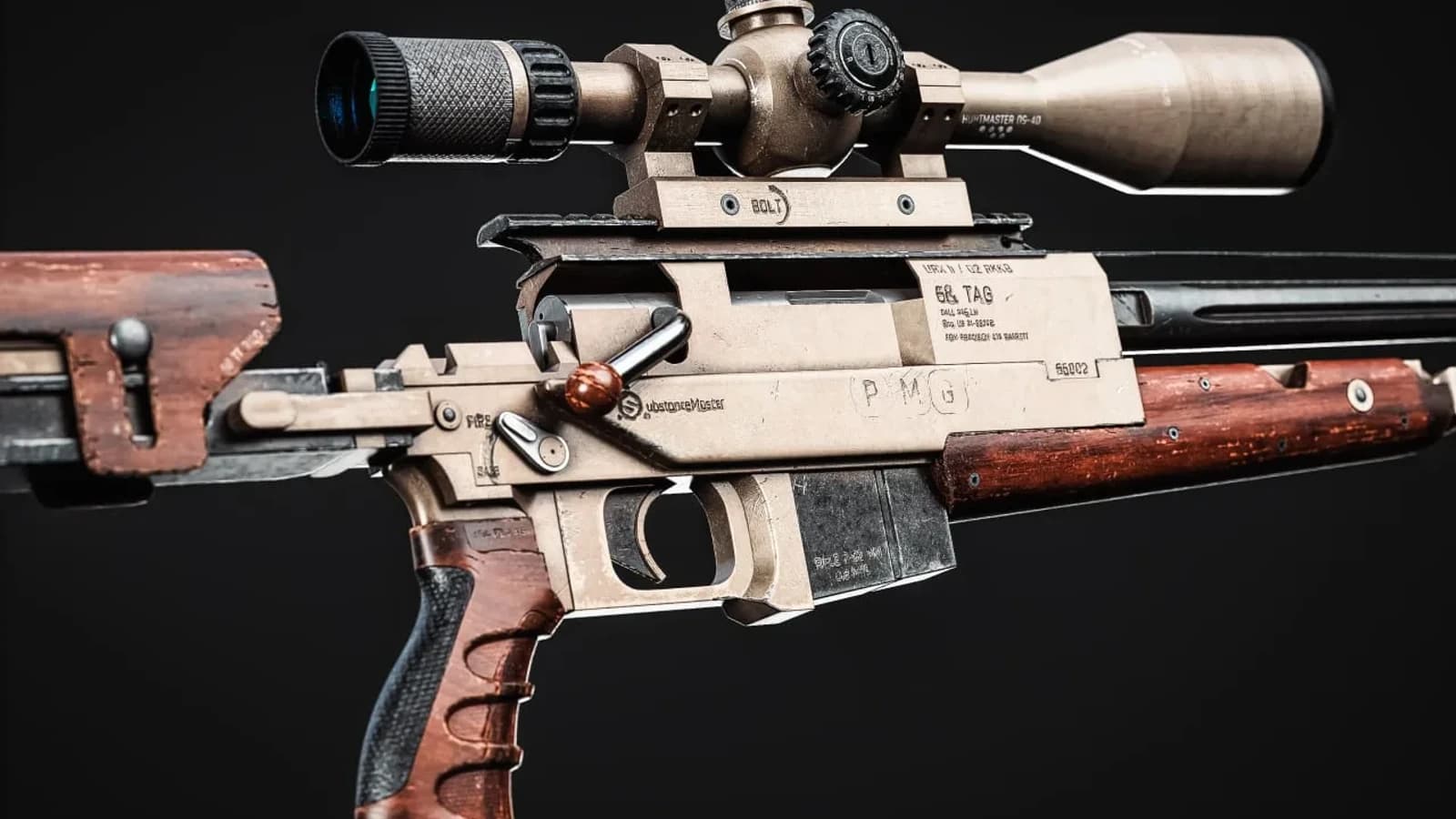
Your gateway to 3D texturing excellence
This is the course I wish existed when I started. It does not stop at explaining what each button does.
Duration
23 Hours
Projects
6
Language
English
Level
A to Z Master Level
Every one of these is built step by step inside the course.
Turntables




This is the course I wish existed when I started. It does not stop at explaining what each button does; every chapter is a complete asset taken from an untextured mesh to a presentation render. You will learn how the software actually thinks — channels, mesh maps, generators, anchor points — and then use that understanding on six wildly different assets: a steel pot, a military hat, a Nordic axe, a sci-fi blade, an air conditioner and a sniper rifle. By the end you will have a portfolio, not just a certificate.
Stream online or download the whole course for offline study.
Pay once. It stays in your library permanently.
New chapters and corrections are added at no extra cost.
No questions asked, no form to fill in.
Subtitles in 8 different languages
Marmoset, Photoshop, Substance Painter
Every session is a complete piece of work — here is exactly what you build and when.
You start with the basics: what each tool does, how to move around the different windows, and the essentials of how Substance Painter works — a solid start for everything that follows.
How Substance Painter really operates and how to get your models ready without walking into the common mistakes. Along the way you will pick up practical habits for UV mapping and unwrapping.
With the basics down, we move to a practical project. We texture a steel pot in Substance Painter, present it in Marmoset Toolbag, and learn the Marmoset fundamentals as we go.
Check the model's UVs, import, bake the mesh maps and tune the display settings. Then build leather, metal and fabric materials, add seams and stitches, use Substance Sampler AI to turn photographs into materials, export your texture sets and light the result in Marmoset Toolbag.
Set up the model and verify the UVs, bake mesh maps, then detail the handle and the metal head. Build convincing wood and metal, add the finishing pass, export, render in Marmoset — then transfer the materials onto a low-poly model and take it into Unreal Engine for the final use stage.
Use the overlap method for UVs, bake, and craft the blade and handle separately. Develop plastic and painted-steel materials for the handle, base and layered materials for the blade, then lift the design with surface decals and text before the Marmoset render.
Your first environment asset. Prep the model, set up the scene, and work through the texturing process — including building a custom mask in Photoshop for a level of realism generators alone will not give you. Finish with a Marmoset presentation.
A genuinely difficult texture set. We manage the detail in Substance Painter and learn new approaches to wood, metal and plastic, then push the presentation in Marmoset. There is a bonus chapter on setting the textures up correctly inside Unreal Engine.
Not my work — theirs. This is what the curriculum produces.
Twenty years of production texturing and material authoring, four consecutive ArtStation Marketplace top-seller years, and 5,000+ students taught since 2005.




Every lesson is recorded. Enrolment has not opened on the site yet — everything above is what you get when it does.
Libraries and tools built for the same pipeline — use them on the course projects or your own.
34 Torn Fabric Texture + Stencil Generator — VOL 12. Built for Substance Painter and Substance Designer. Seamless in both axes at 4K.
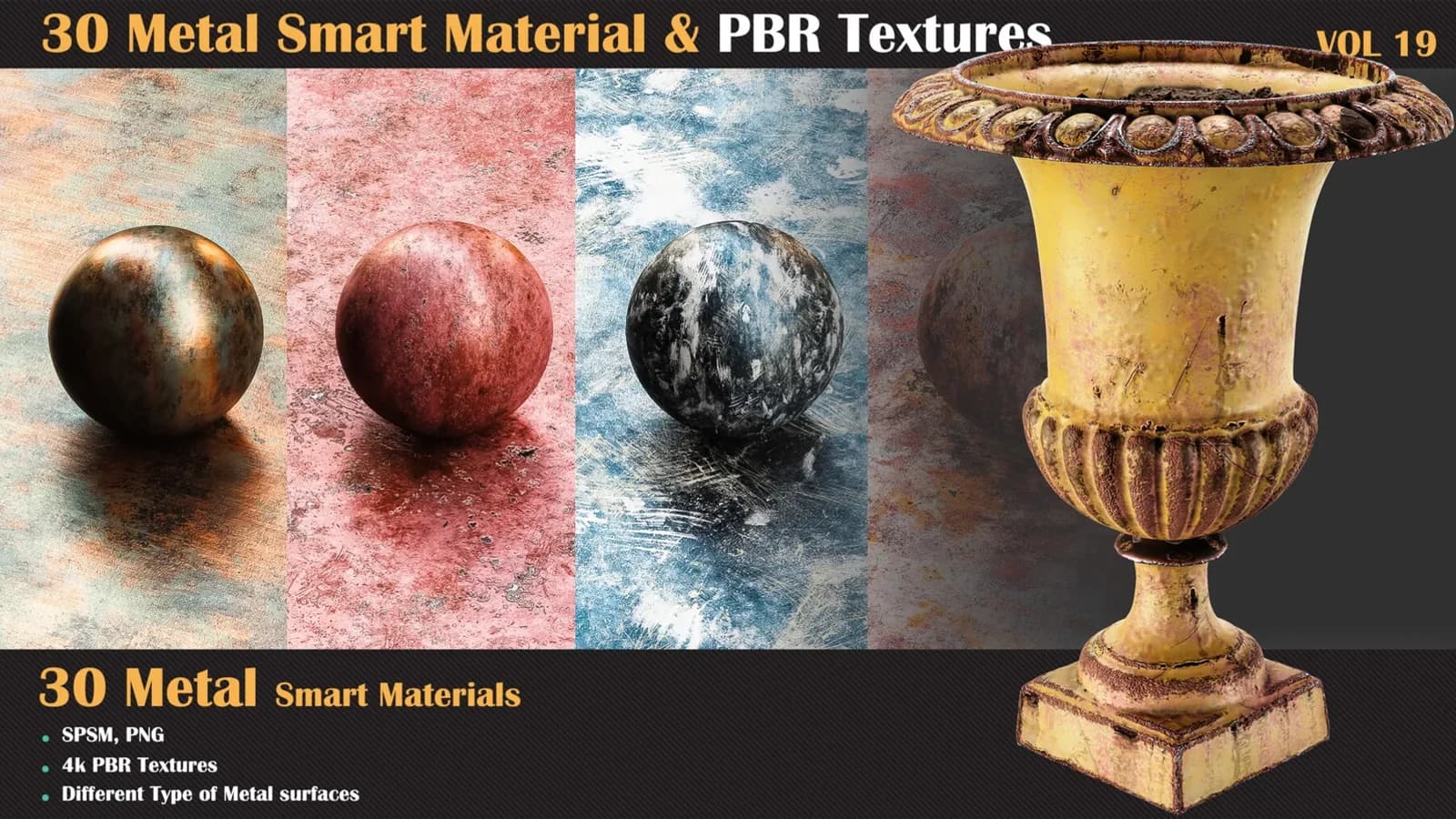
This pack includes 30 high-quality metal smart materials for Substance Painter, ideal for creating realistic metallic surfaces.
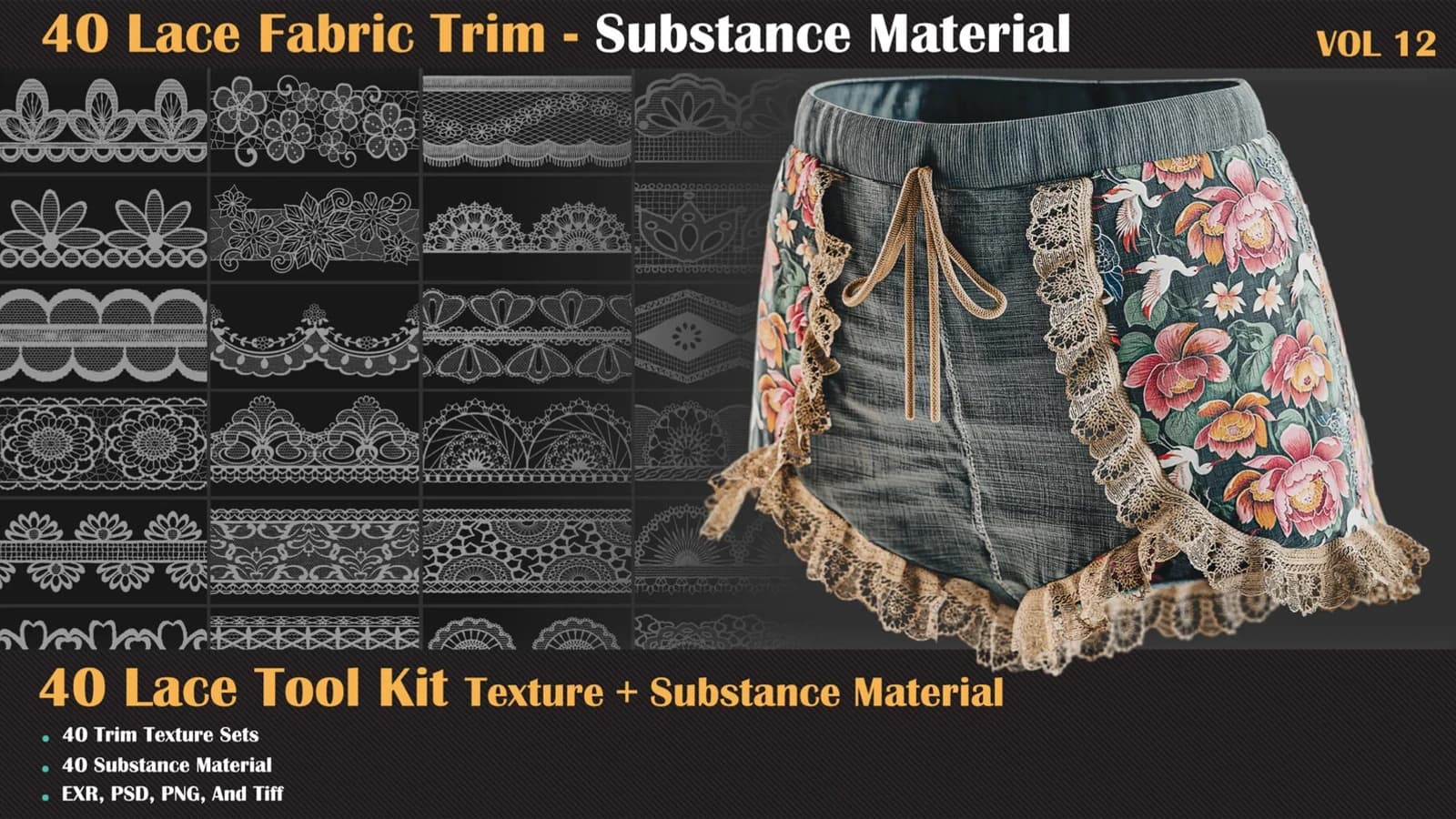
40 Lace Fabric Trim Pattern + Substance Tools — VOL 12: 40 lace borders, 8 trim sheets and 40 SBSAR materials, with opacity in 16-bit PNG and TIFF.
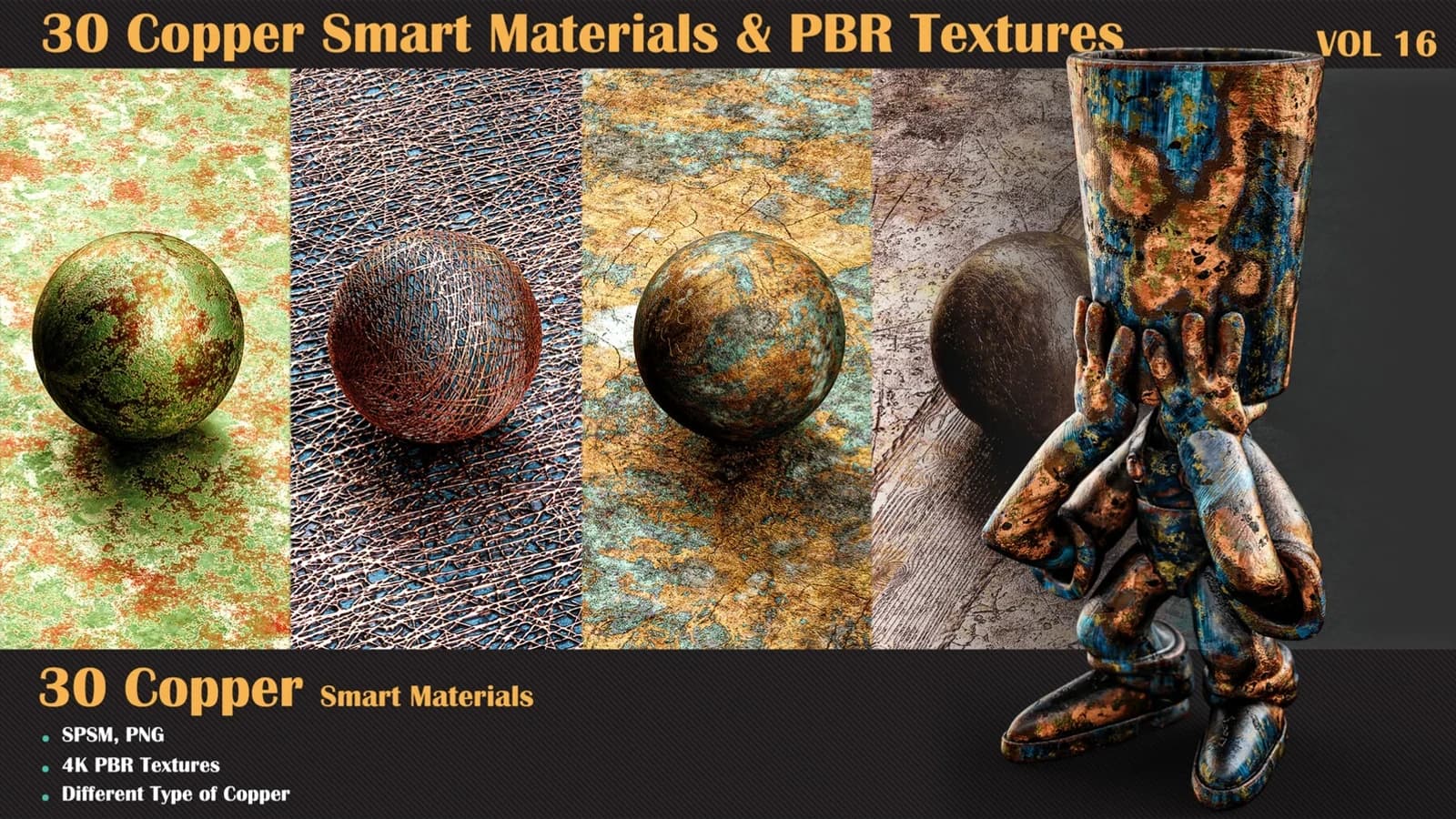
30 Copper Smart Materials & PBR Textures — VOL 16: thirty procedural copper stacks with oxidation as a parameter, plus 4096 x 4096 PBR sets.