View asset →
Featured
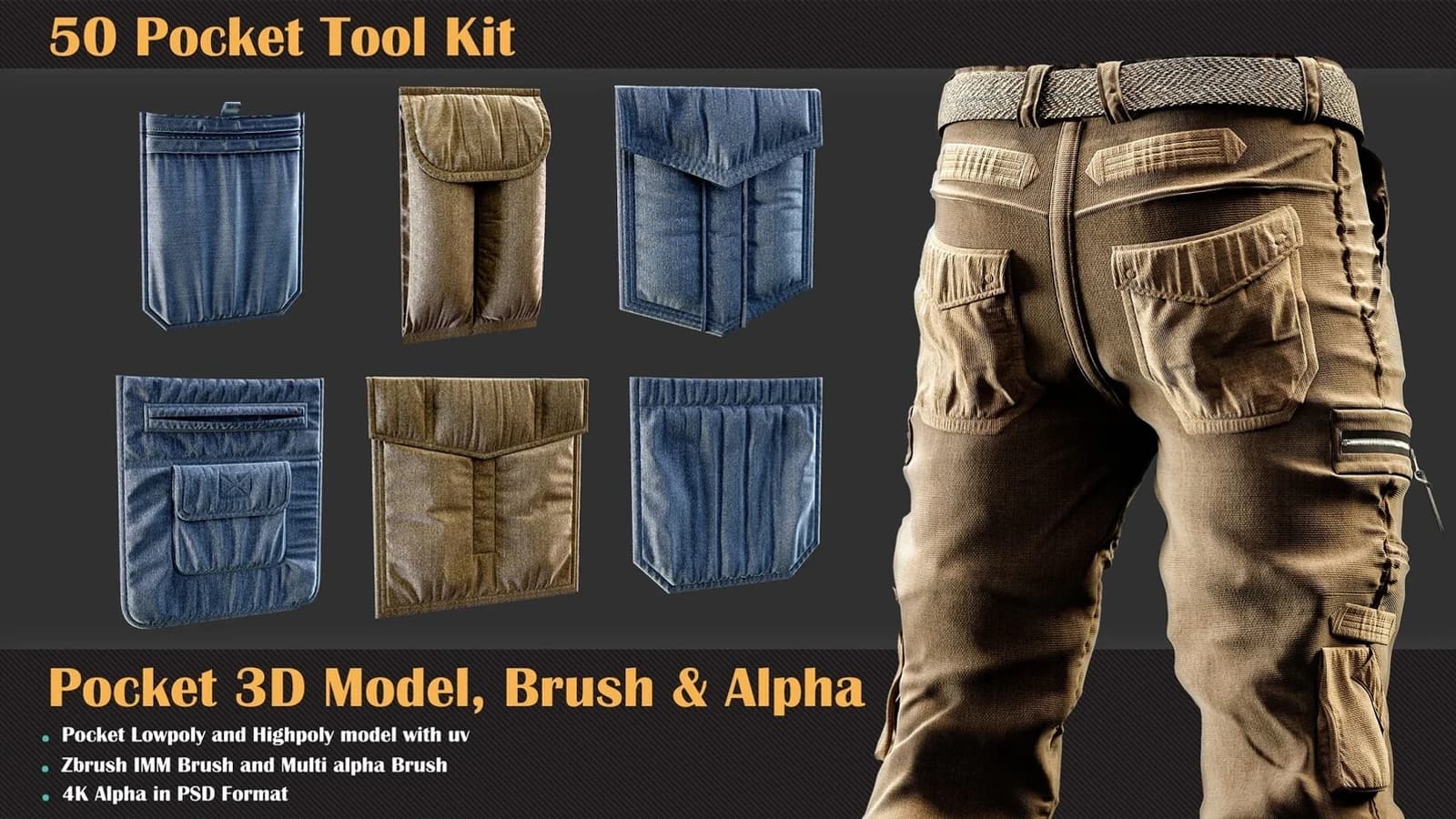
50 Pocket Tool Kit ( 3DModel, Brush, Alpha )
This is the first collection of clothing accessories that contains various formats of the pocket category.
$7.99
Not available yet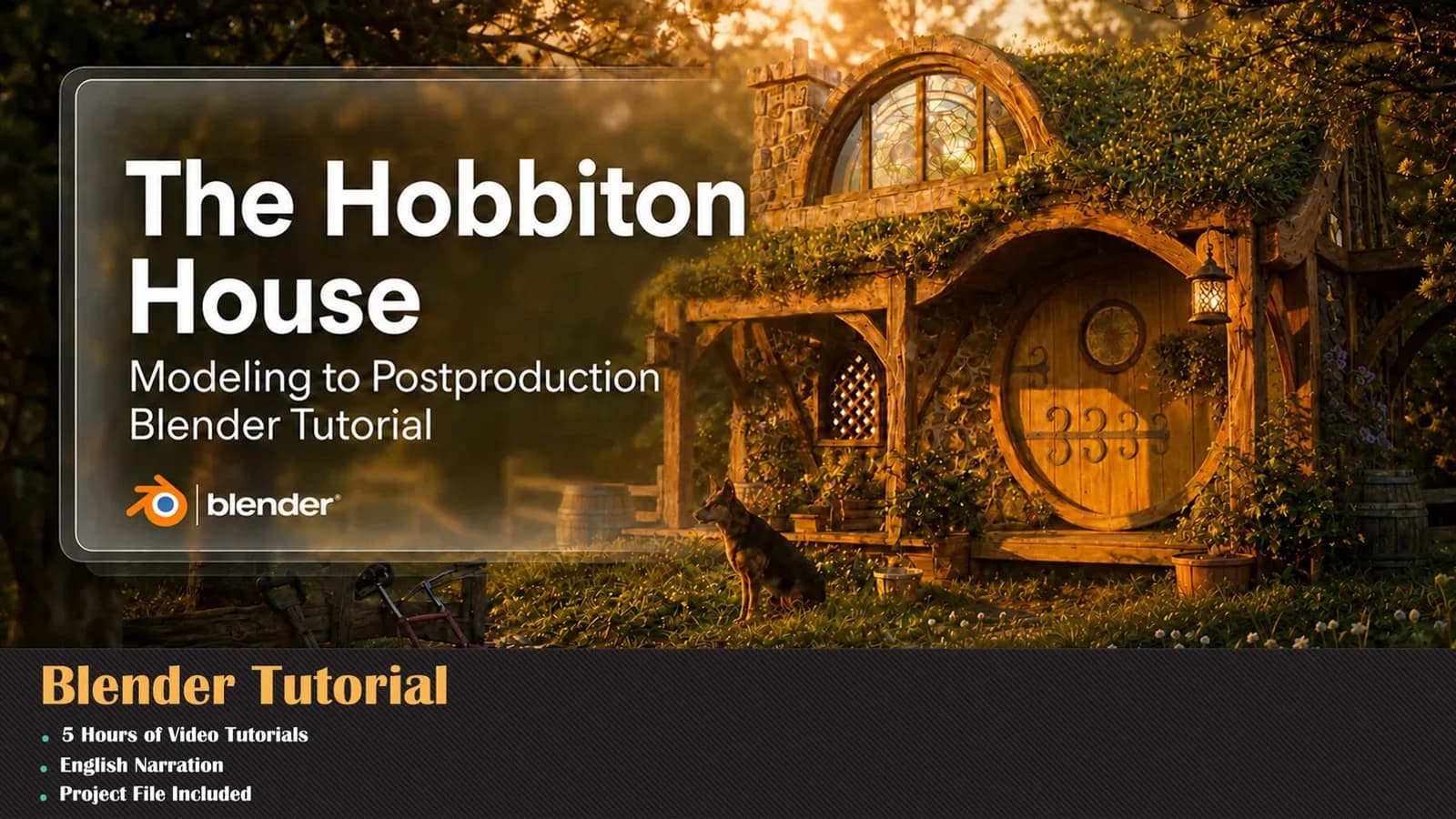
Build a complete cinematic environment in Blender from scratch to final render.
Duration
5 Hours
Projects
1
Language
English
Level
A to Z Master Level
Every one of these is built step by step inside the course.
Build a complete cinematic environment in Blender from scratch to final render.
This is NOT just a simple modelling course. In this 5-hour course, you'll create "The Hobbiton House" — a fully detailed fantasy environment — and learn a complete modern production workflow from start to finish.
STAGE 1 — Modelling & DETAILING We start with base house modelling, then move into adding architectural and environmental details to make the scene feel realistic and alive. After that, we go through professional UV mapping and material creation for both the main structure and the entire environment.
STAGE 2 — SCATTERING, LIGHTING & RENDER You'll learn how to use free tools and scripts to create grass, trees, and natural environment scattering to build believable large-scale scenes. Then we move into lighting, rendering, and final output creation.
STAGE 3 — AI-POWERED POST-PRODUCTION (The Exciting Part.) The most exciting part comes in post-production. In this stage, we work with both online AI tools and local offline AI models. You'll learn how to enhance your raw renders, extract more detail, and blend AI-enhanced results with the original render while keeping everything natural and production quality.
This is a complete modern environment workflow — from zero to a professional cinematic result.
WHAT'S INCLUDED: 5 hours of Full HD (1920x1080) content English voice over with human intonation and control Complete project files Free tools and scripts for scattering
Compatible with Blender 4.2+ and Blender 5.0.
Stream online or download the whole course for offline study.
Pay once. It stays in your library permanently.
New chapters and corrections are added at no extra cost.
No questions asked, no form to fill in.
Blender 4.2+
Every session is a complete piece of work — here is exactly what you build and when.
We start with base house modeling, then move into adding architectural and environmental details to make the scene feel realistic and alive. After that, we go through professional UV mapping and material creation for both the main structure and the entire environment.
You'll learn how to use free tools and scripts to create grass, trees, and natural environment scattering to build believable large-scale scenes. Then we move into lighting, rendering, and final output creation.
The most exciting part comes in post-production. In this stage, we work with both online AI tools and local offline AI models. You'll learn how to enhance your raw renders, extract more detail, and blend AI-enhanced results with the original render while keeping everything natural and production quality. ✨ This is a complete modern environment workflow — from zero to a professional cinematic result. 📦 WHAT'S INCLUDED: 🎬 5 hours of Full HD (1920x1080) content 🎙 English v…
Twenty years of production texturing and material authoring, four consecutive ArtStation Marketplace top-seller years, and 5,000+ students taught since 2005.




Seven days to change your mind, no questions asked.
Libraries and tools built for the same pipeline — use them on the course projects or your own.
This is the first collection of clothing accessories that contains various formats of the pocket category.
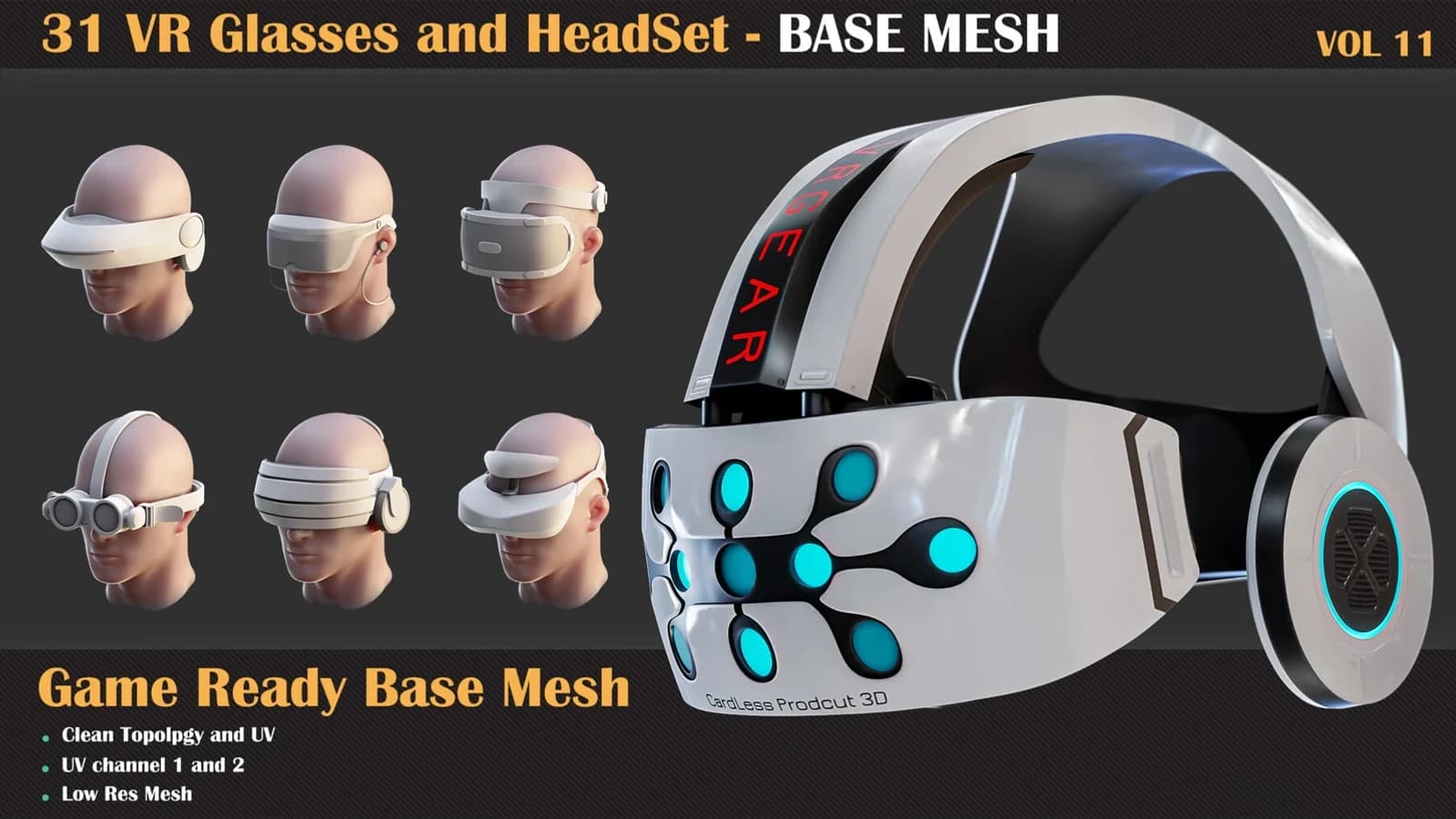
32 VR Glasses and Headset Base Mesh — VOL 11 packs thirty-two headsets under 8k tris, FBX and OBJ, with UV channels 1 and 2 done.
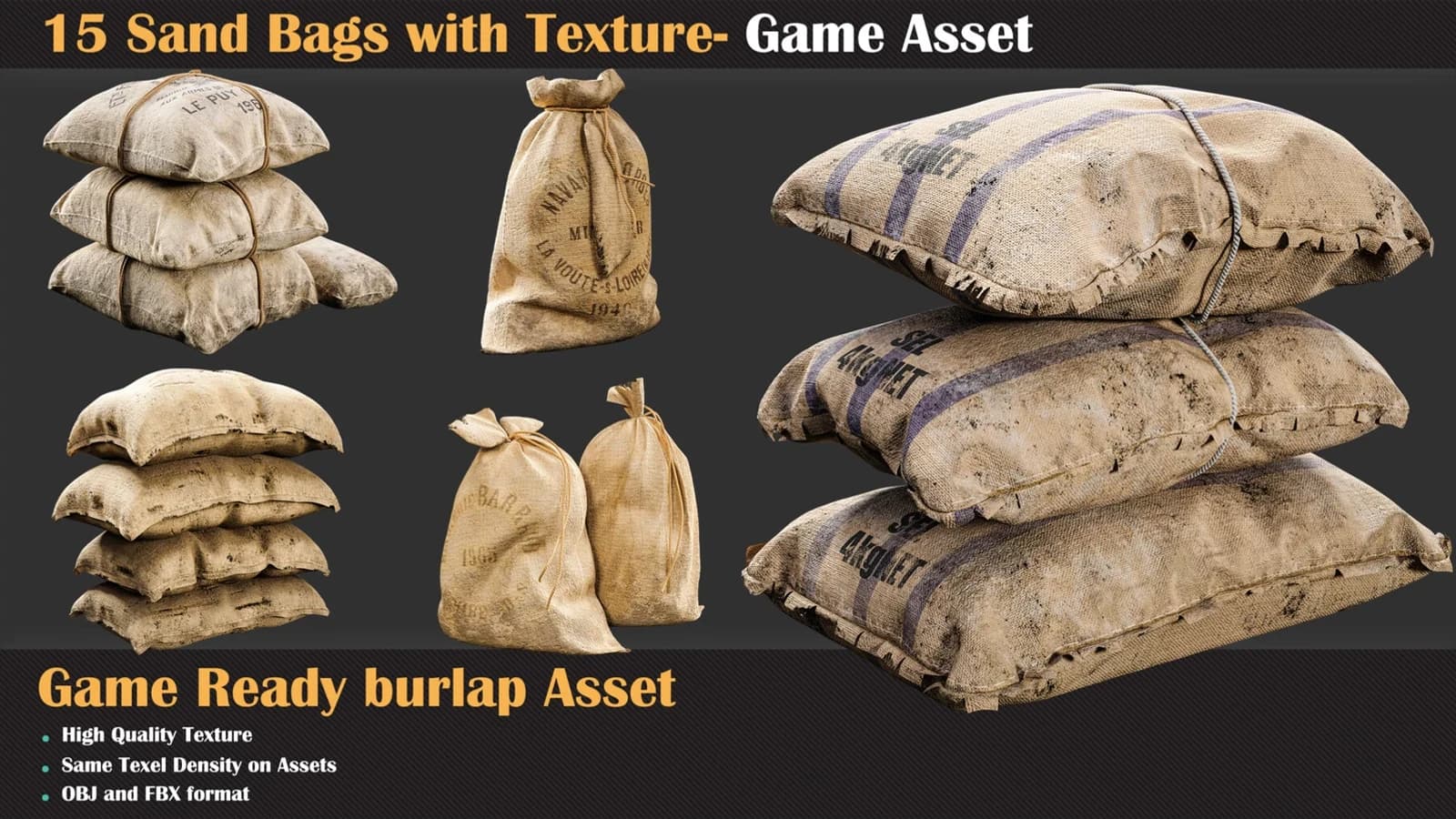
15 Sand Bags with Texture - Game Asset. FBX, OBJ, PBR textures included. Built for Substance Painter and ZBrush. Published July 2024.
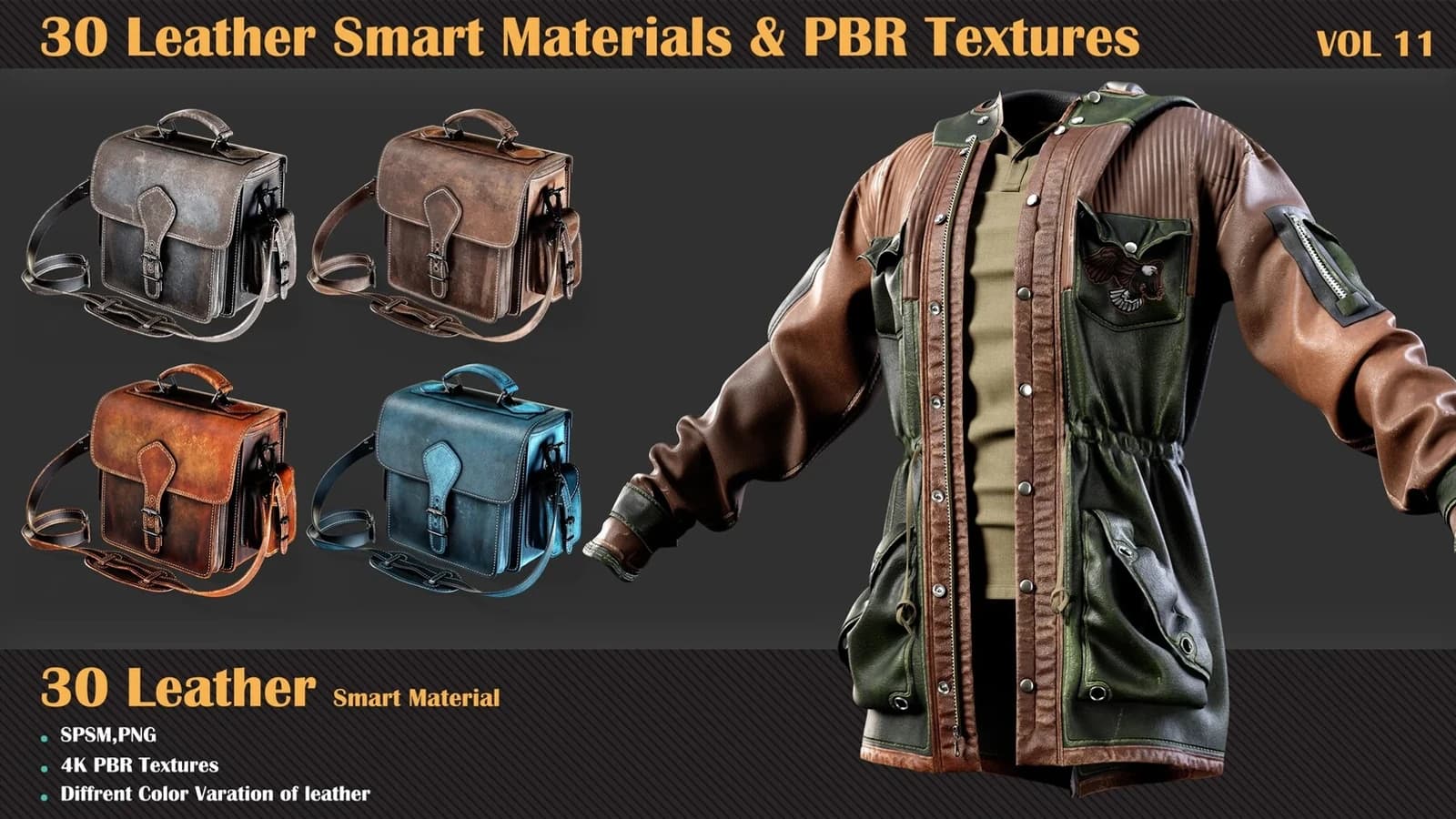
30 Leather Smart Materials + PBR Textures — VOL 11: thirty parametric hide stacks and 4096 x 4096 PBR sets, from factory-new to two decades old.