View asset →
Featured
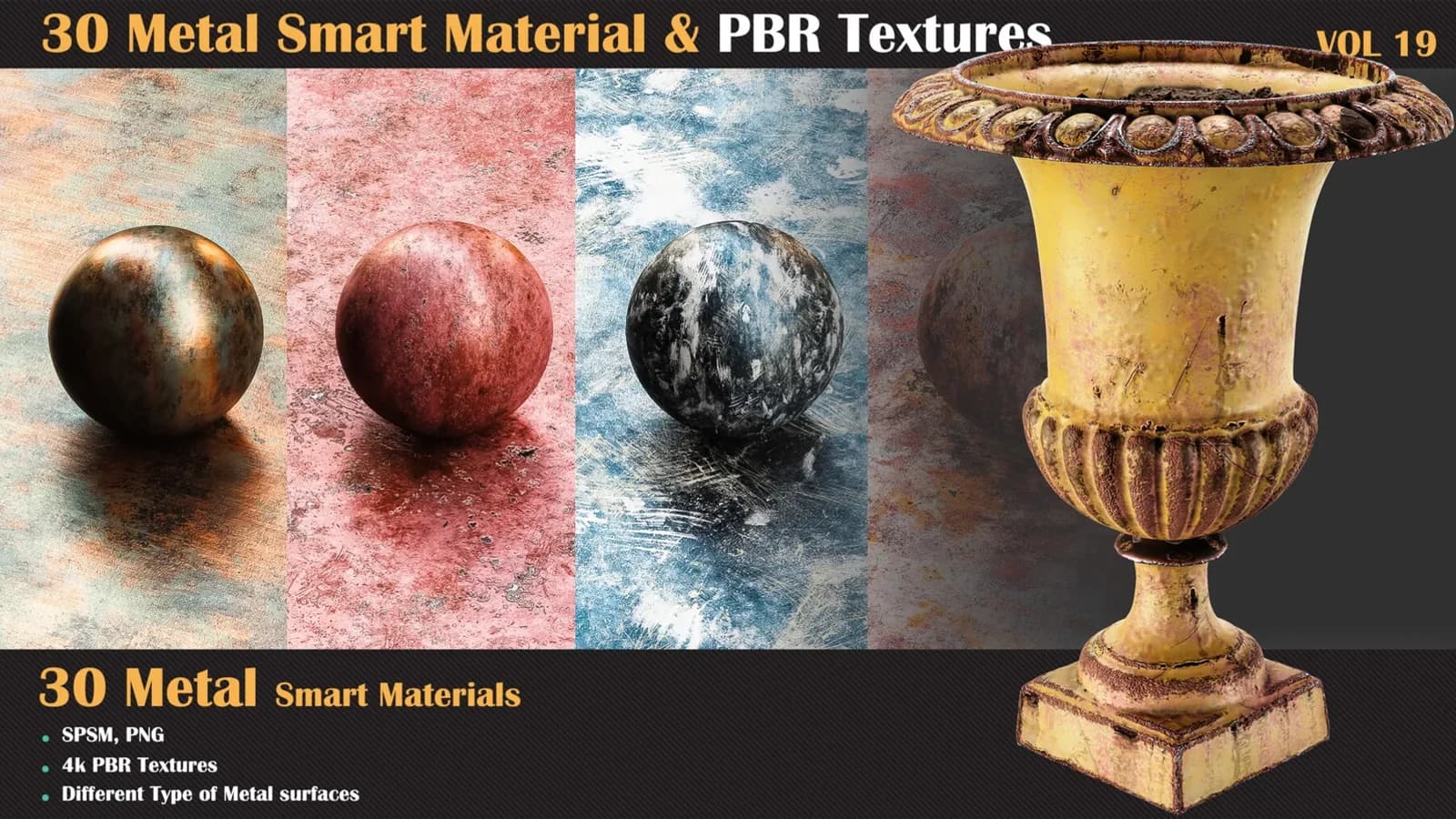
30 Metal Smart Materials & PBR Textures — VOL 19
This pack includes 30 high-quality metal smart materials for Substance Painter, ideal for creating realistic metallic surfaces.
$7.99
Instant download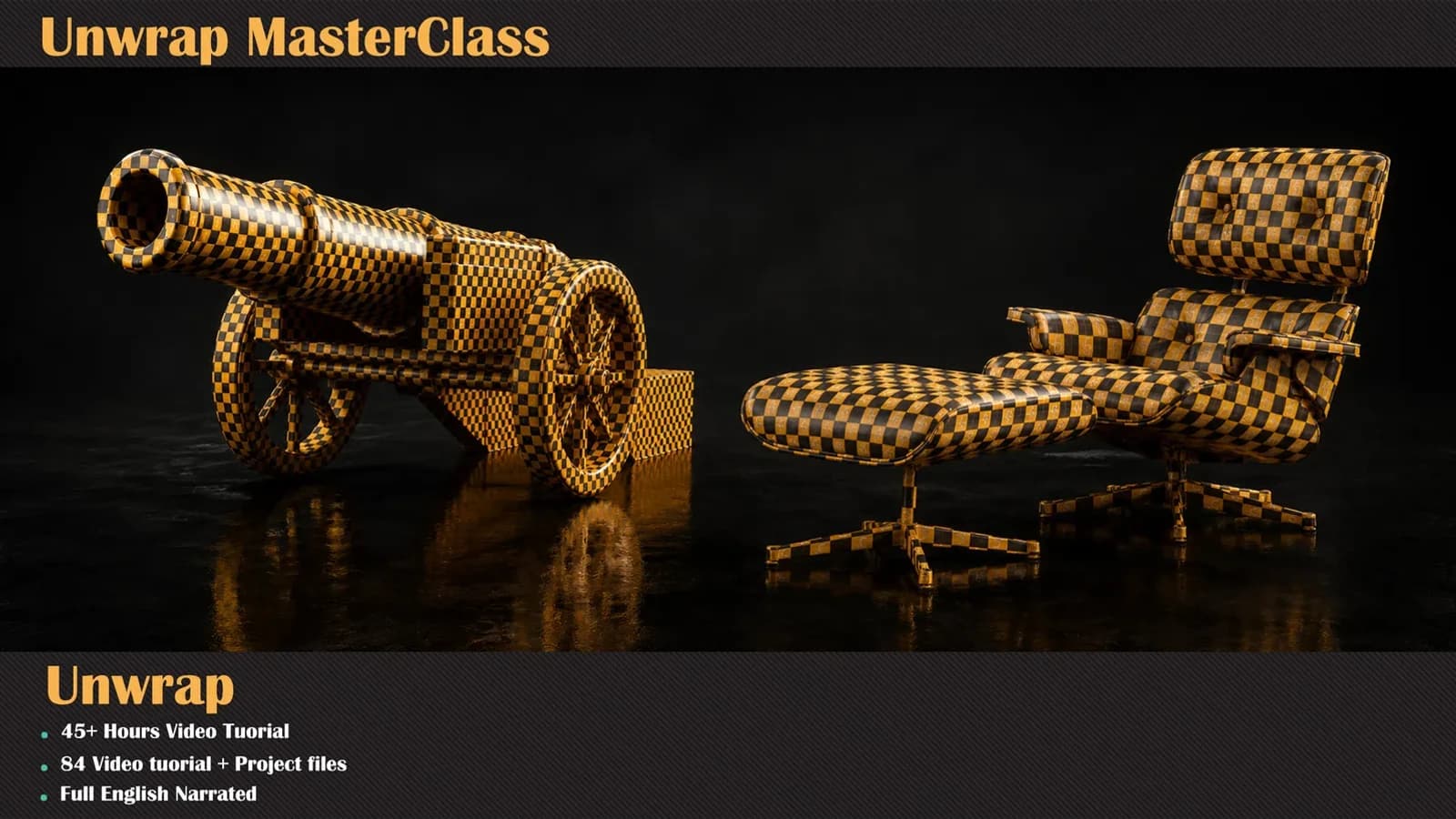
Unwrap Master Class. 50 hours of video. Built for 3ds Max and RizomUV / Unfold3D. Project-based training with lifetime access.
Duration
50 Hours
Projects
9
Language
English
Level
Intermediate
Every one of these is built step by step inside the course.
Unwrap Master Class
Unwrap Master Class is a comprehensive course focused on mastering UV mapping and 3D model unwrapping through both fundamental concepts and practical workflows.
Rather than simply teaching which tools to use, the course focuses on understanding why and when to use different unwrapping techniques, helping artists make better decisions when working with different types of 3D models.
The course begins in 3ds Max, covering the essential principles of UVs, seam placement, UV islands, distortion management, and efficient unwrapping workflows. It then moves to RizomUV / Unfold3D, a specialized UV unwrapping solution designed for handling complex models quickly and efficiently.
The training includes 9 practical projects, covering different types of assets including architectural models and game assets. Projects gradually progress from simple to more complex models, allowing students to build a reliable workflow for handling real production scenarios.
What You Will Learn
Course Length: 50 hours Software: 3ds Max + RizomUV / Unfold3D Projects: 9 practical projects Level: Intermediate Prerequisites: Basic knowledge of 3D modelling and texturing.
Stream online or download the whole course for offline study.
Pay once. It stays in your library permanently.
New chapters and corrections are added at no extra cost.
No questions asked, no form to fill in.
3ds Max, RizomUV / Unfold3D
Every session is a complete piece of work — here is exactly what you build and when.
What a UV actually is and why the answer changes how you cut a model. The course opens on the fundamentals rather than the tool palette, so that every later decision has a reason behind it.
Choosing where to cut, dividing a model into islands that pack well, and reading distortion before it reaches the texture. This is the judgement the rest of the course rests on.
The full Unwrap UVW workflow in 3ds Max: the modifier, the editor, and the efficient path through both for the kind of model you meet in production.
Moving the same work into RizomUV / Unfold3D, the specialist unwrapper, and the techniques that make a complex model quick rather than slow.
Nine projects covering architectural models and game assets, ordered simple to complex, so the workflow is built up on real assets instead of demonstrated on a cube.
How modelling topology helps or hinders the unwrap, and how to hand a finished UV layout on to texturing and material creation without surprises.
Twenty years of production texturing and material authoring, four consecutive ArtStation Marketplace top-seller years, and 5,000+ students taught since 2005.




Every lesson is recorded. Enrolment has not opened on the site yet — everything above is what you get when it does.
Libraries and tools built for the same pipeline — use them on the course projects or your own.
This pack includes 30 high-quality metal smart materials for Substance Painter, ideal for creating realistic metallic surfaces.
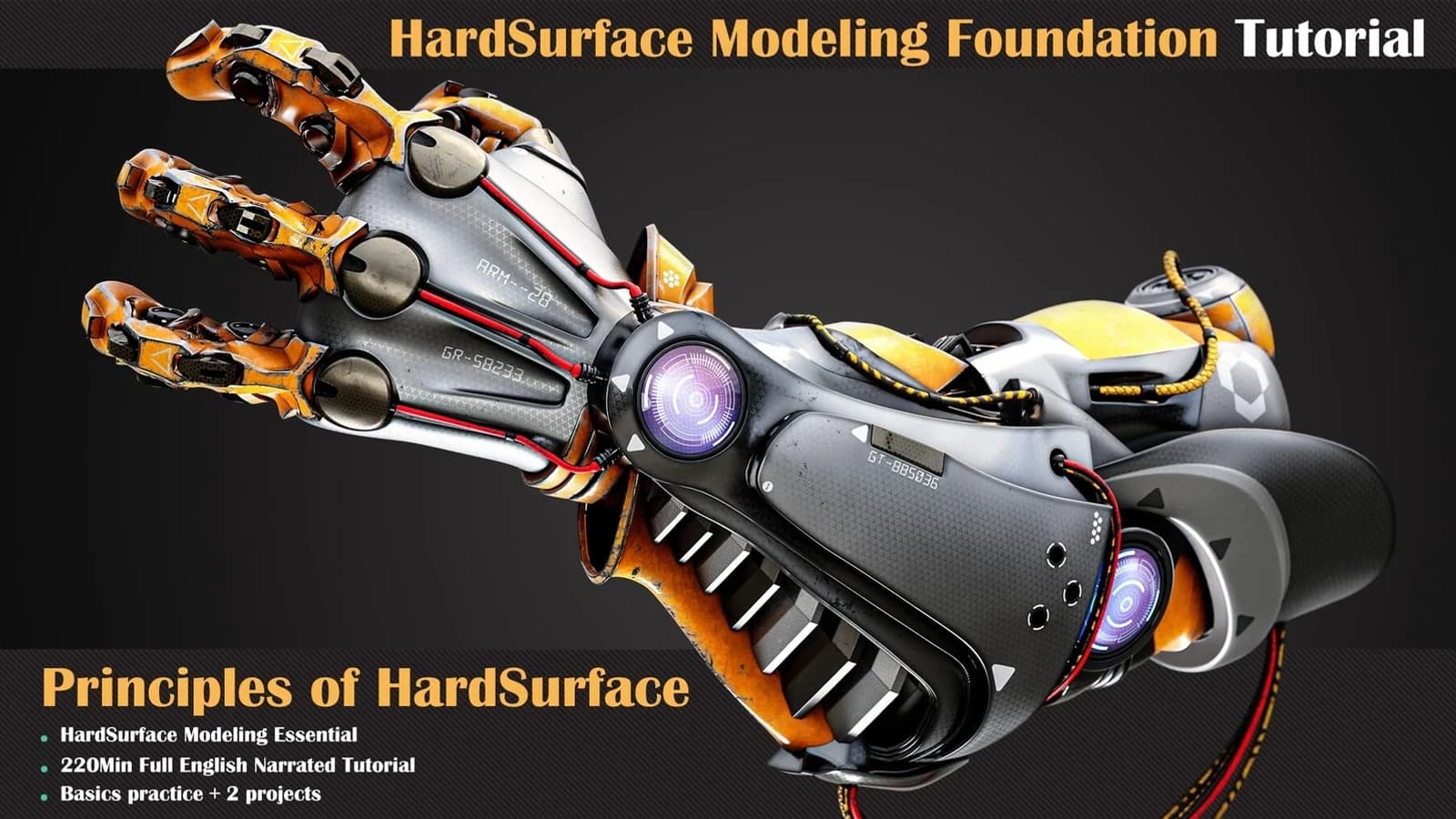
Learning the basics of a job is one of the most important things to consider.
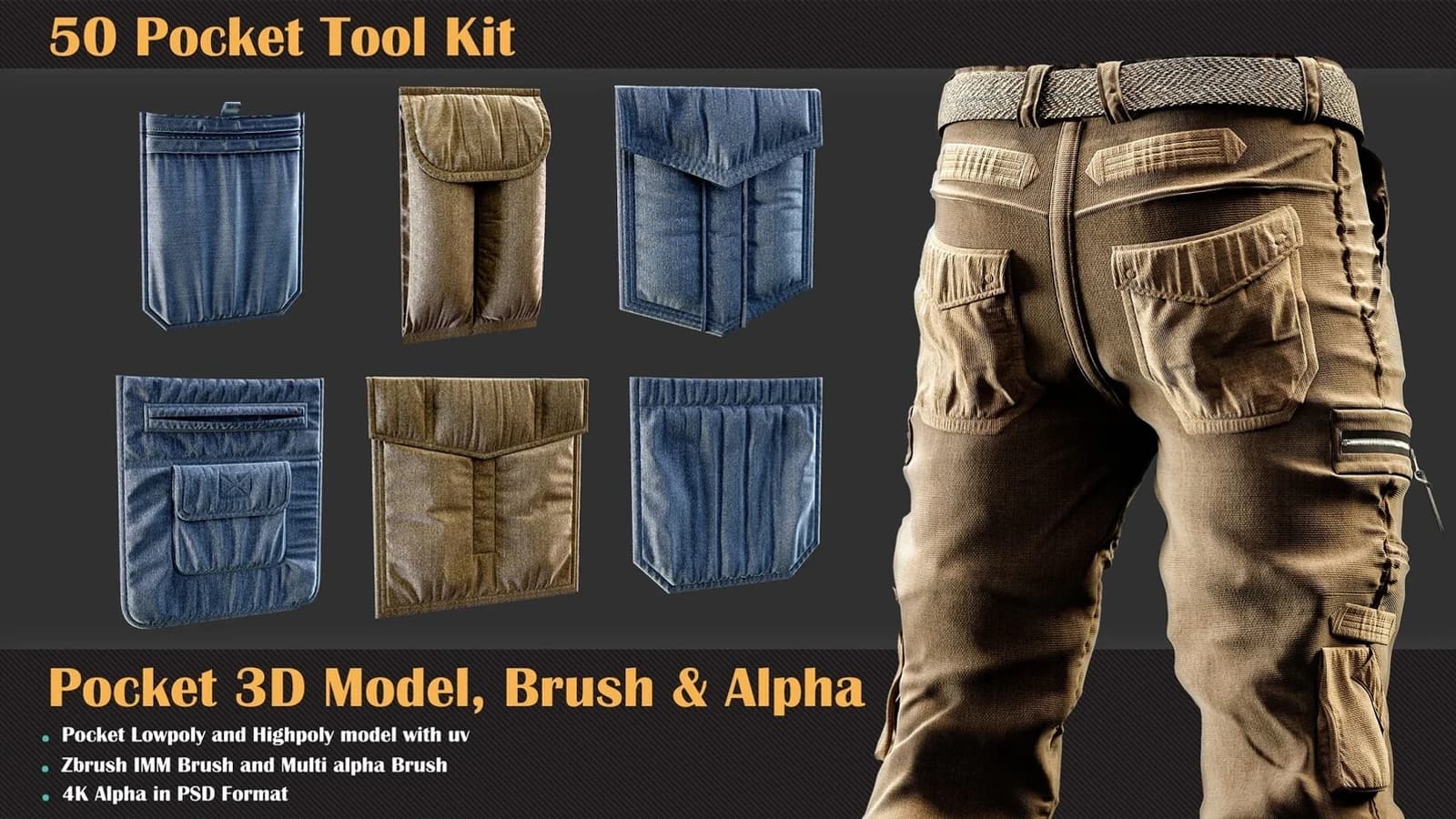
This is the first collection of clothing accessories that contains various formats of the pocket category.
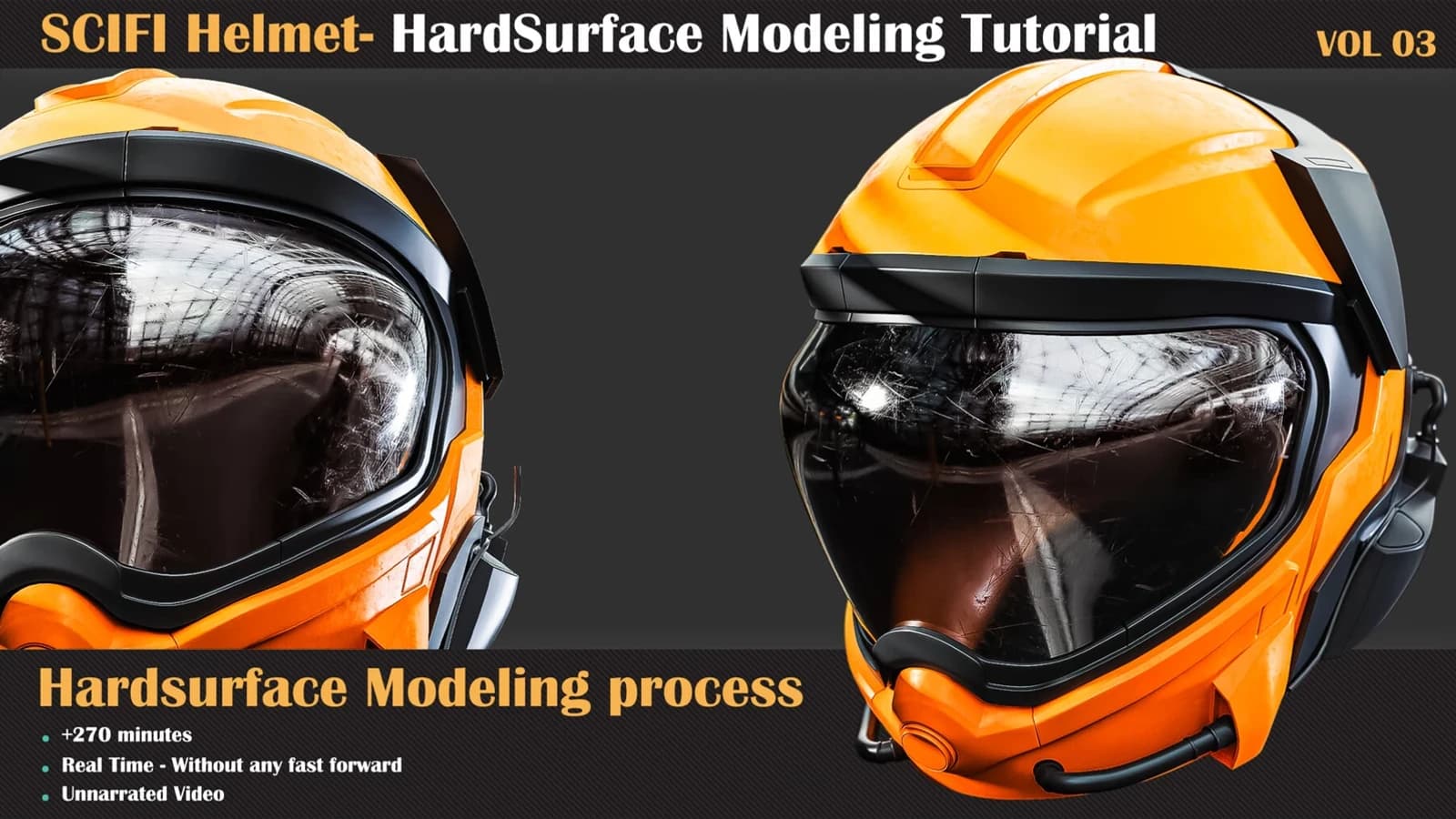
Hardsurface Tutorial Collection VOL 03 takes a sci-fi helmet from 2D concept to finished hard-surface mesh in 270 unnarrated minutes of 3ds Max.