View asset →
Featured
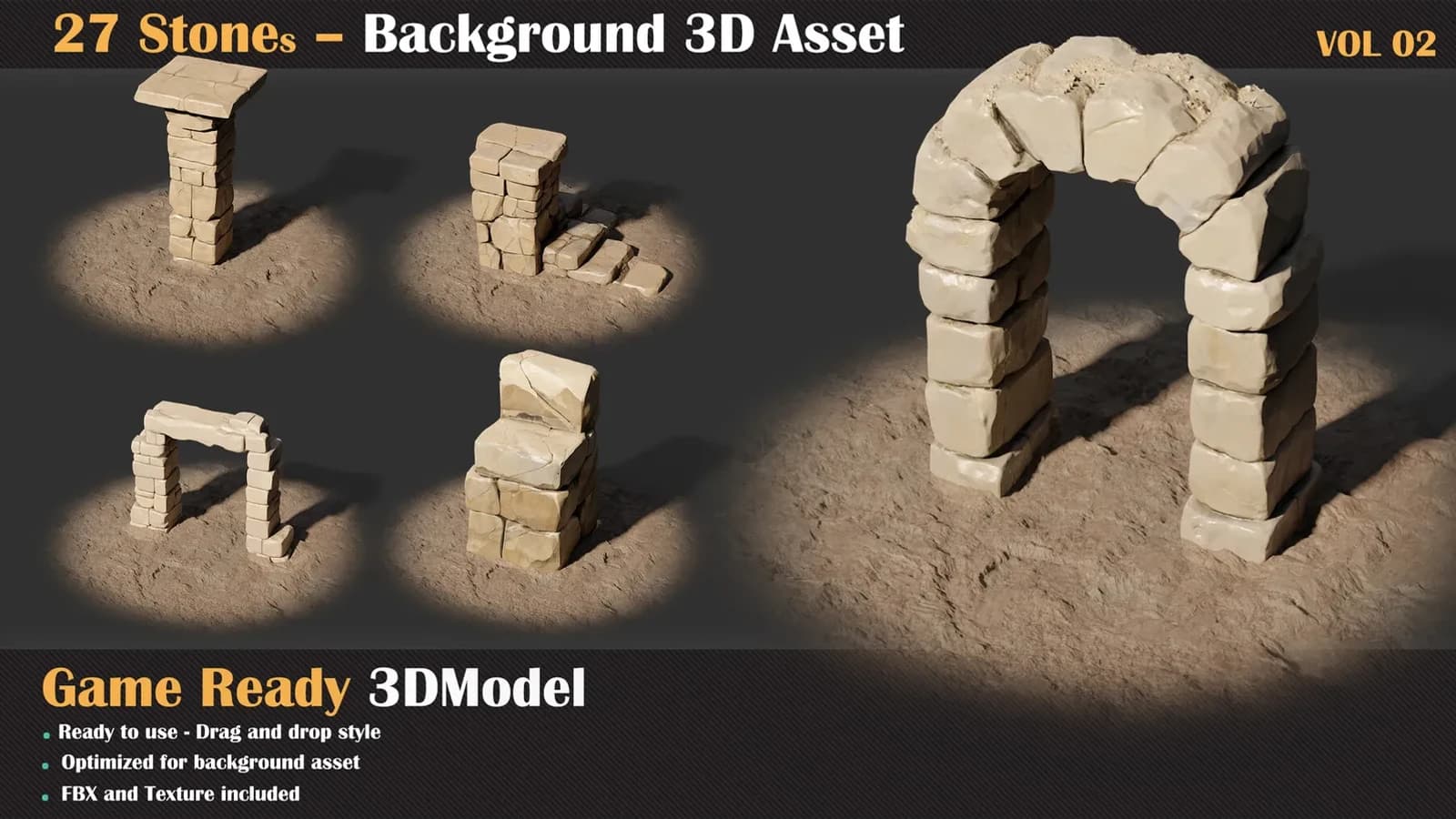
27 Stones Background 3D Asset — VOL 02
27 Stones Background 3D Asset — VOL 02: twenty-seven untextured game-ready rocks with an Unreal project, base material and ten instances.
$8
Instant downloadAutoBaker Pro v1.0 — Substance Painter Bake Automation Stop Baking One by One. Automate Your Entire Asset Library. The Old Way
Open Substance Painter Import low poly Load high poly Set bake settings Bake Export textures Close project Open new project Do it all again.
For every. Single. Model.
Select your meshes Hit BAKE Done.
Or drop an entire folder Hit BATCH BAKE Go grab a coffee.
Features One-Click Single Bake
Select your High Poly and Low Poly, pick your channels, click BAKE. Normal, AO, Curvature, Height and more — all baked and exported automatically. No manual setup needed.
Point to a folder full of assets. AutoBaker Pro finds every high/low pair, bakes them all one by one, and saves textures right next to your source files. 10 models or 100 — same one click.
Smart Pair Detection
No strict naming rules. The plugin auto-detects all common conventions
Recursive Subfolder Scanning
Your assets organised in subfolders? No problem. AutoBaker Pro scans all subfolders and finds pairs everywhere.
Save Next to Source
Enable "Save textures next to source files" and textures land in a Baked_Textures folder right beside your FBX/OBJ files. Clean. Organised. Ready to use.
Full Bake Control
Resolution — 512 / 1024 / 2048 / 4096 / 8192 Dilation — Padding around UV islands Apply Diffusion — Edge smoothing Max Frontal / Rear Distance — Ray casting range Relative to Bounding Box Average Normals Ignore Backface Match — Always / By Mesh Name AO Rays — Quality control AO Min/Max Occluder Distance
10 Bake Channels
Normal Map World Space Normal ID Map Ambient Occlusion (AO) Curvature Position Thickness Height Bent Normals Opacity
Multiple Export Formats
Requirements
Installation
Perfect ForUse CaseHow AutoBaker Pro Helps Game Asset ProductionBatch bake entire prop libraries in minutes ArchvizBake AO and Normal maps for architectural details Film / VFXAutomate texture pipeline for large scene builds Asset Store CreatorsBake textures for all your products fast Students / LearnersSimple UI, no complex setup needed Why AutoBaker Pro?
"High poly + Low poly Baked textures. Done."
"One model or a hundred — same one click."
"No setup. Just bake.".
Every purchase includes free lifetime updates and a no-questions-asked 7 day money back guarantee.
This aisle is production work, not a demo. The meshes are optimised for real-time budgets, the UVs are packed with proper padding, and the texture sets are 4K PBR with consistent naming so a whole folder can be imported at once.
Tested in Unreal Engine and Unity. Scale, pivots and orientation are all correct on import.
27 Stones Background 3D Asset — VOL 02: twenty-seven untextured game-ready rocks with an Unreal project, base material and ten instances.
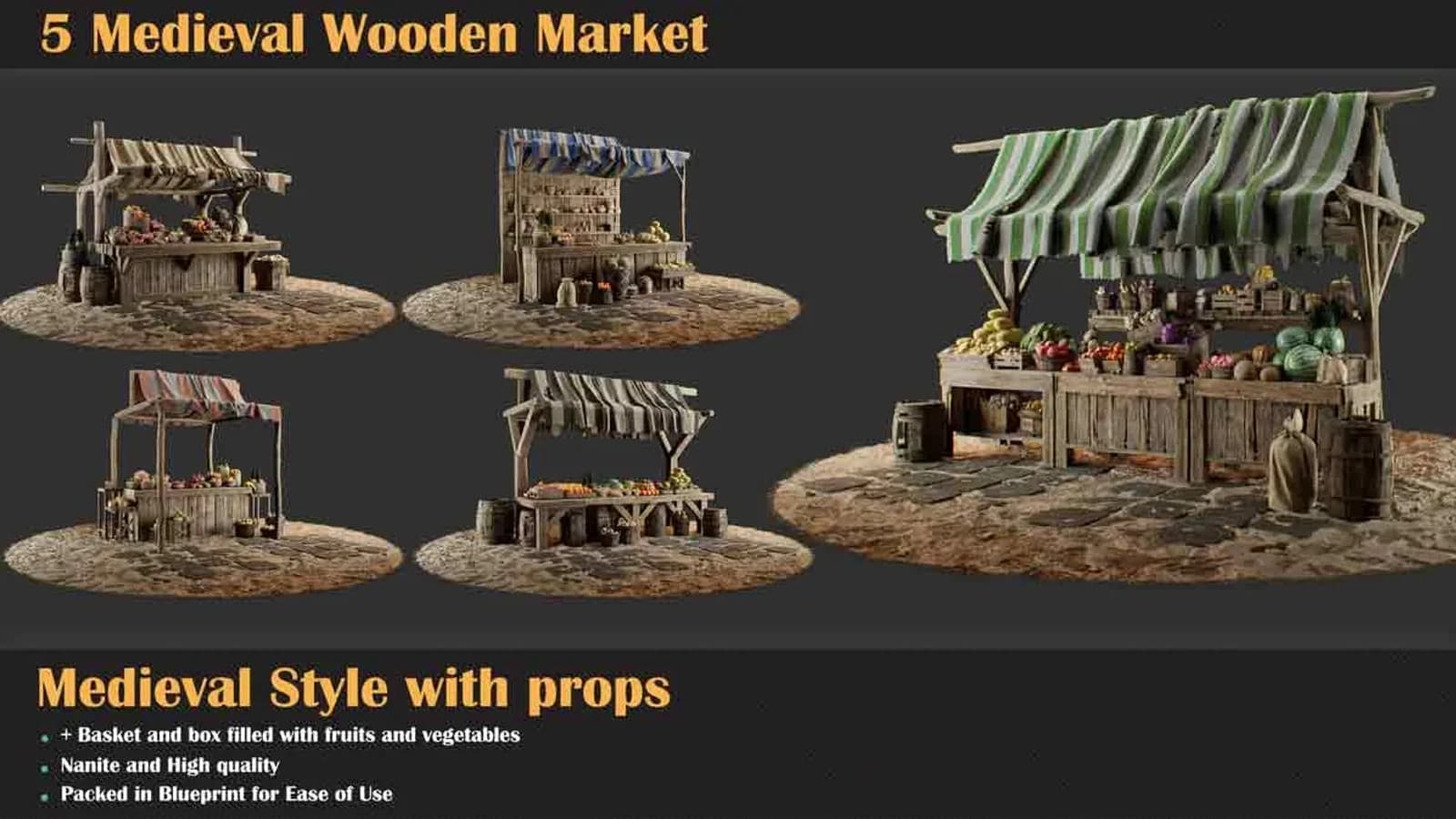
5 Medieval Wooden Market is a set of 5 Medieval Wooden Market game-ready meshes to drop into a real-time scene.
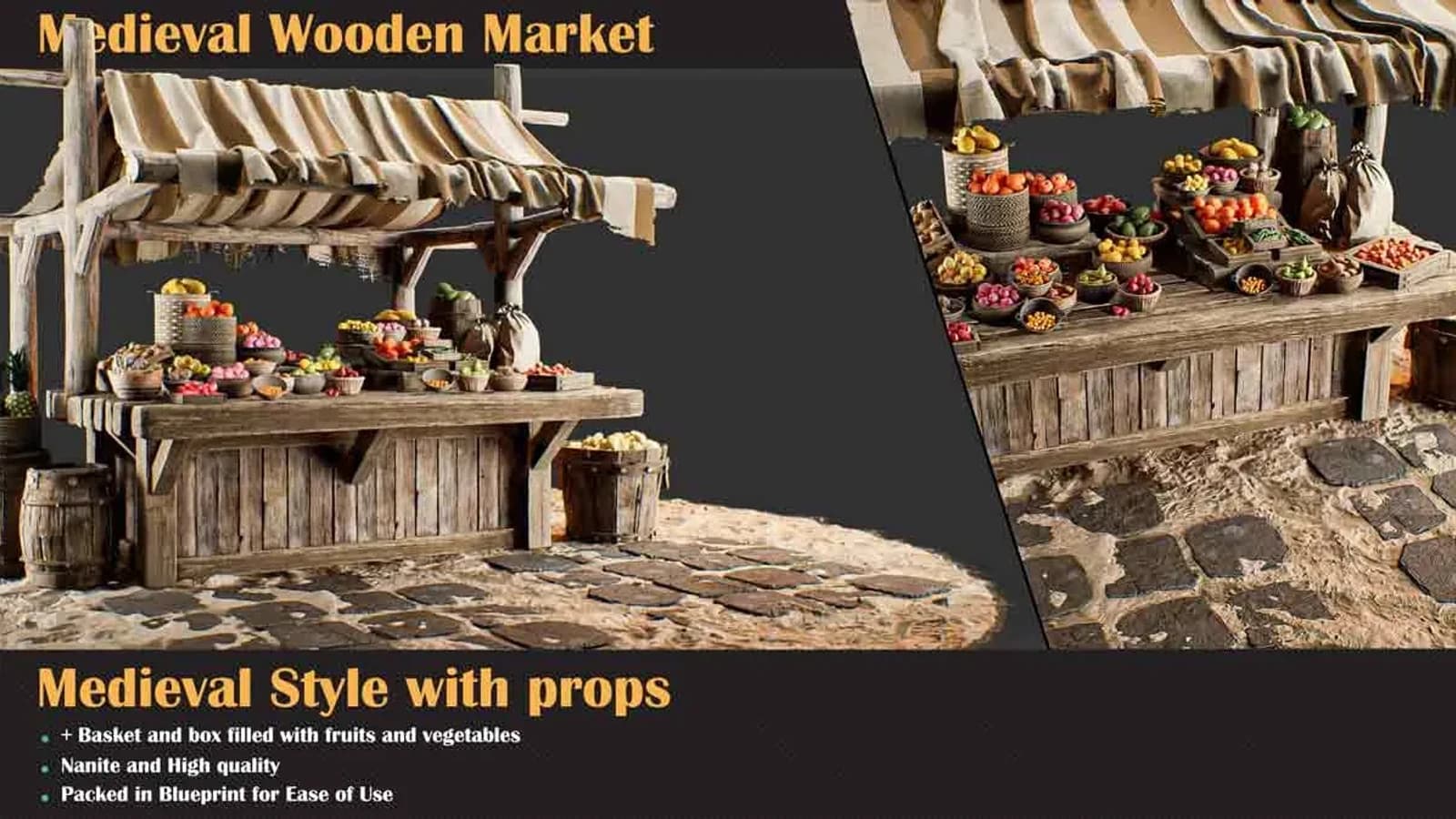
Medieval Wooden Market Pack Set 5: the corner stall, two canopies over an L-shaped counter crowded with bowls and crates.
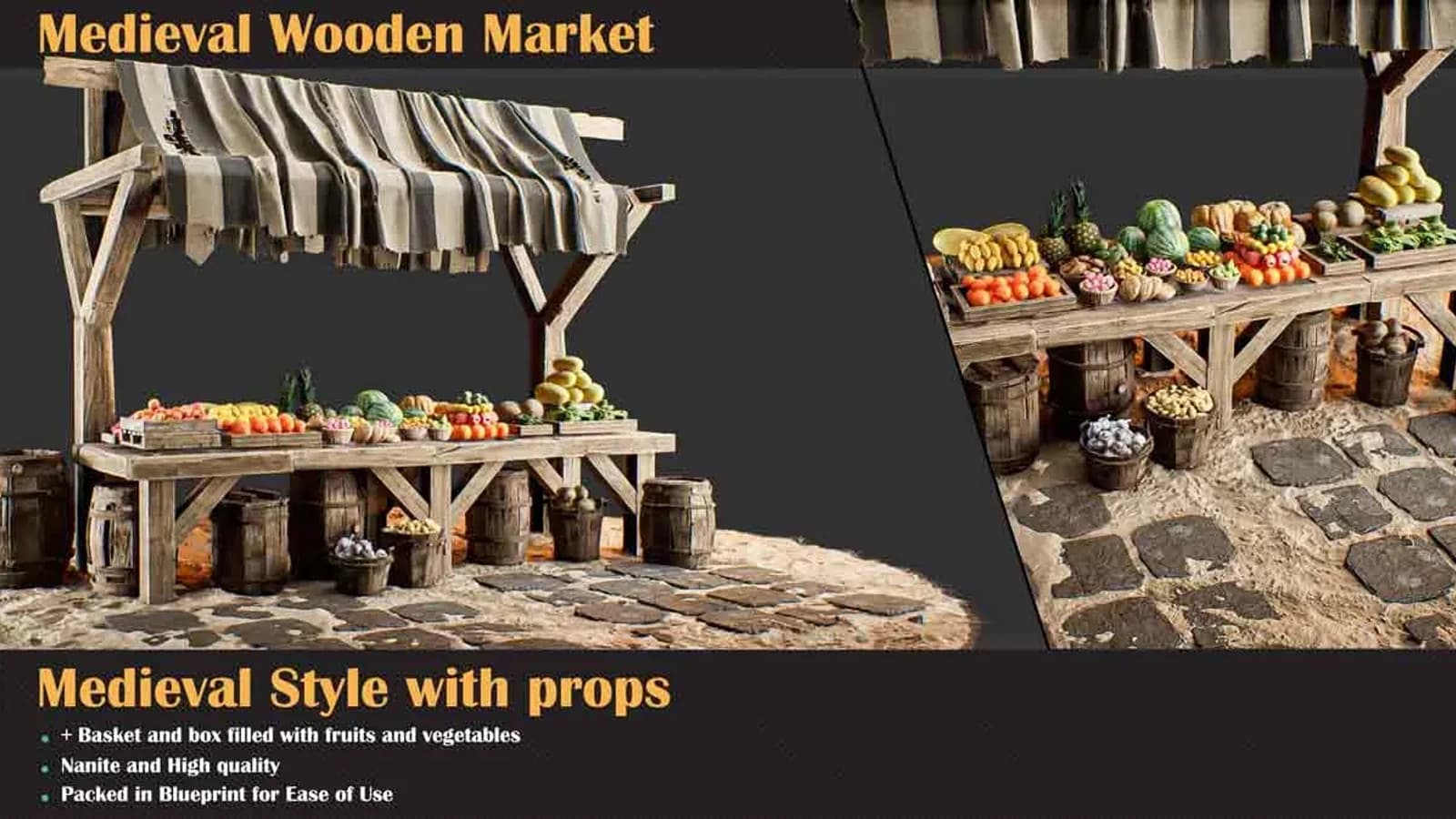
Medieval Wooden Market Pack Set 4: the long open trestle table under grey striped canvas, produce laid straight onto the boards.