
View asset →
Transition FX
Transition FX. ZIP (Blender add-on) included. Built for Blender. Installs as a standard Blender add-on. Built for Blender.
$28
Not available yetRender Studio is a lightweight render control panel that lives right in your N-panel. Pick an engine and a quality level, and it applies a full, production-tuned render configuration for you — then lets you batch render every camera in your scene with a single click.
No more digging through dozens of render settings before every shot.
What it does
Highlights
One-click quality presets
Support & updates
By Milad Kambari — 3DRedBox Studio.
Every tool here started as a job I did not want to do by hand a second time. They are small and focused rather than a suite: each does one thing, it does it inside your existing workflow, and it does not ask you to learn a new way of working to get value out of it.
Transition FX. ZIP (Blender add-on) included. Built for Blender. Installs as a standard Blender add-on. Built for Blender.
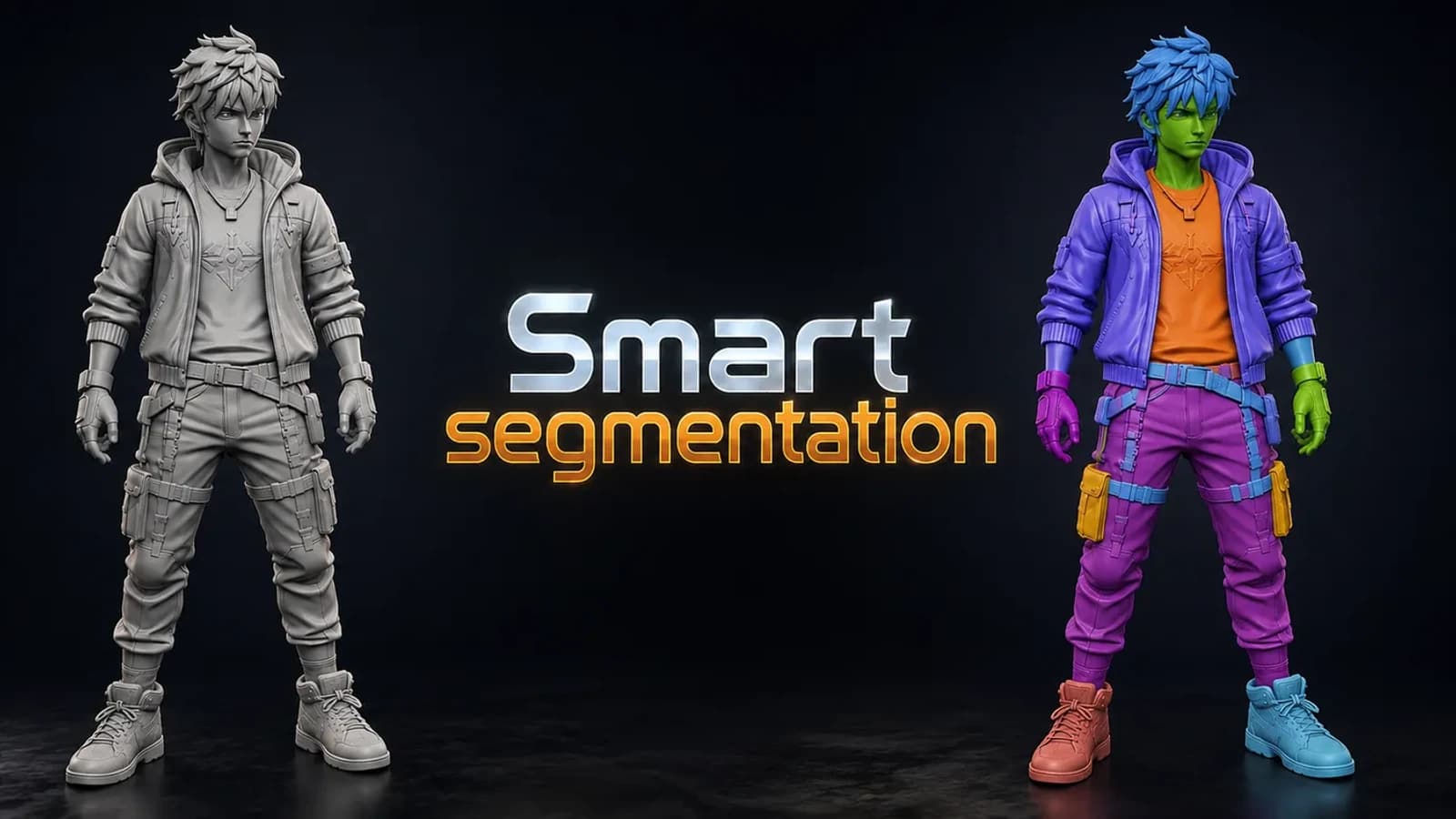
Smart Segmentation. ZIP (Blender add-on) included. Built for Blender. Installs as a standard Blender add-on.
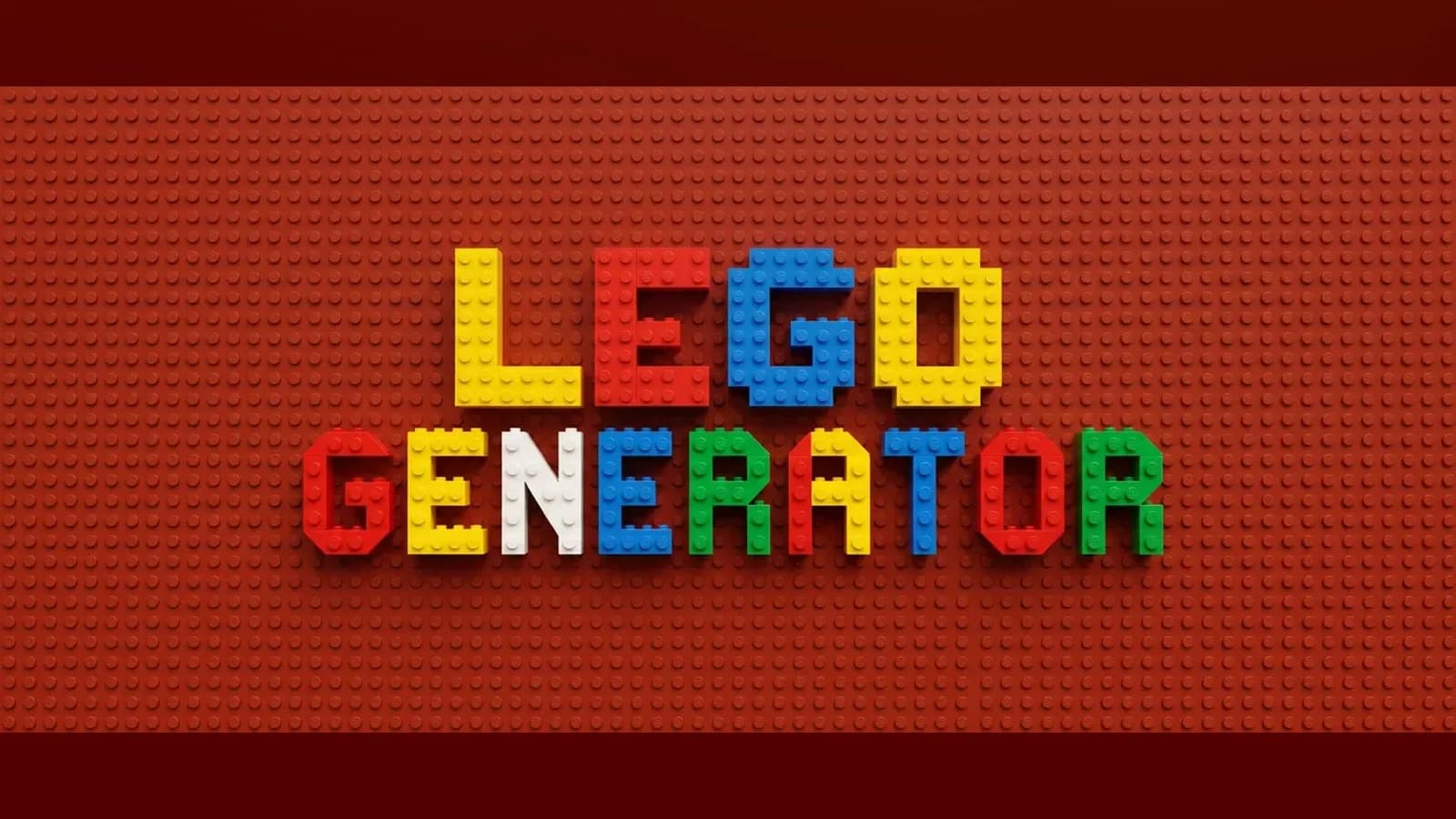
Lego Generator. ZIP (Blender add-on) included. Built for Blender 4.2+. Installs as a standard Blender add-on.

Dovetail Key. ZIP (Blender add-on) included. Built for Blender. Installs as a standard Blender add-on. Published June 2026.