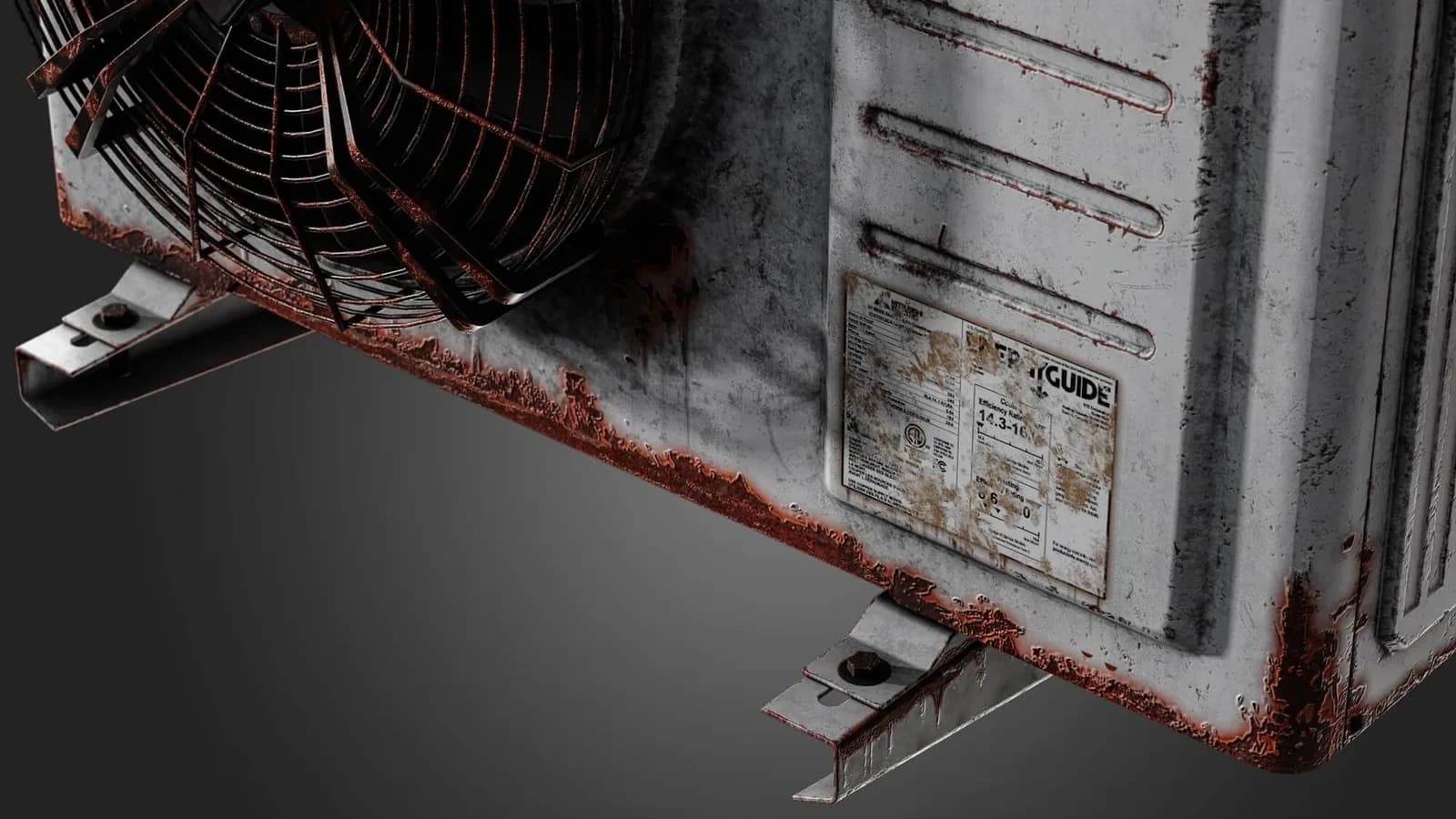
Almost every time a student sends me a texture that "looks wrong but I can't say why", the problem is upstream. The material is fine. The bake is not.
Curvature is doing more work than you think
Curvature drives edge wear, and edge wear is what tells the eye an object is physical. If your curvature map is muddy — usually because the high-poly was too smooth, or the cage was too tight — every generator built on top of it will produce that soft, plastic look that no amount of roughness tweaking fixes.
Bake the curvature from a high-poly that actually has chamfers. A 1mm chamfer on a 1m object reads as a crisp edge at 4K. A perfectly sharp corner reads as nothing at all.
Ambient occlusion should be tight, not global
The AO you bake for texturing is not the AO you would use for lighting. You want contact shadows in the crevices, not a soft global darkening across the whole asset. Reduce the ray distance until the occlusion only appears where two surfaces genuinely meet.
Position maps unlock gradients for free
A world-space position map lets you build height-based masks — dirt that pools at the bottom, sun bleaching at the top — with a single gradient node. It costs nothing at bake time and saves an hour of hand-painting.
The checklist
Before you texture anything:
- High-poly has real chamfers on every visible edge.
- Low-poly UVs have at least 4px padding at your target resolution.
- Cage is generous enough that nothing clips, tight enough that nothing skews.
- Bake by mesh name, so a bolt does not project onto the plate behind it.
- Look at every mesh map on its own before you touch a layer.
That fifth one is the one people skip. Spend the ninety seconds. It saves the afternoon.