
View asset →
Transition FX
Transition FX. ZIP (Blender add-on) included. Built for Blender. Installs as a standard Blender add-on. Built for Blender.
$28
Not available yetOne-Click 3D Format Conversion for Blender
Convert hundreds of 3D files between all major formats with a single click. No manual work, no scripting.
What It Does
Point the addon to any folder, pick your target formats, and let it handle the rest. It recursively scans every subfolder, auto-detects all 3D files, and converts them in one batch run.
Universal Format Support
Convert any format to any format, even multiple targets at once (FBX to OBJ + STL + GLB in a single run).
How To Use
Smart Output Control
Perfect For
Compatibility
Blender 4.2+ (Extension format with manifest).
Every purchase includes free lifetime updates and a no-questions-asked 7 day money back guarantee.
Every tool here started as a job I did not want to do by hand a second time. They are small and focused rather than a suite: each does one thing, it does it inside your existing workflow, and it does not ask you to learn a new way of working to get value out of it.
Transition FX. ZIP (Blender add-on) included. Built for Blender. Installs as a standard Blender add-on. Built for Blender.
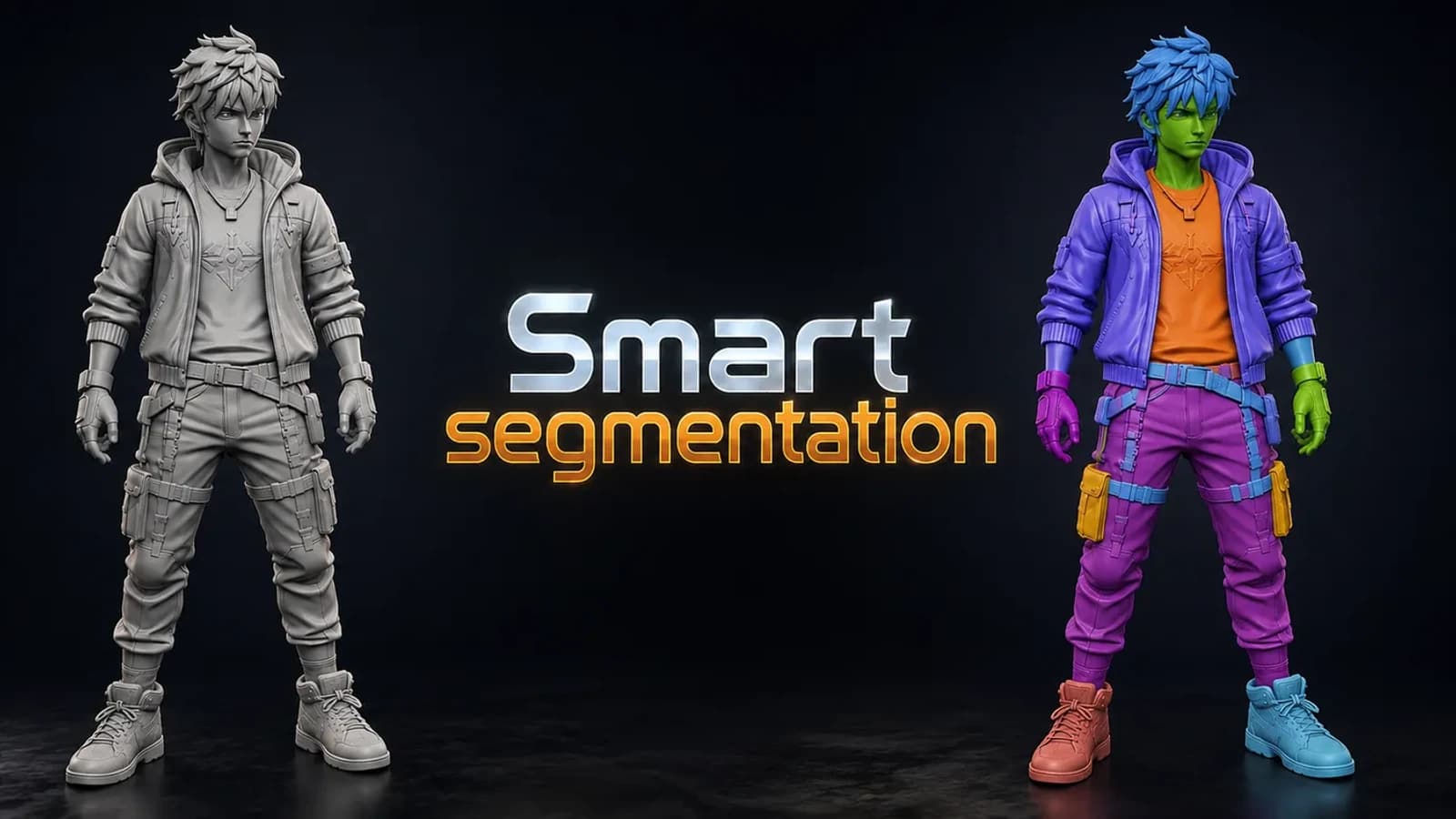
Smart Segmentation. ZIP (Blender add-on) included. Built for Blender. Installs as a standard Blender add-on.
Lego Generator. ZIP (Blender add-on) included. Built for Blender 4.2+. Installs as a standard Blender add-on.
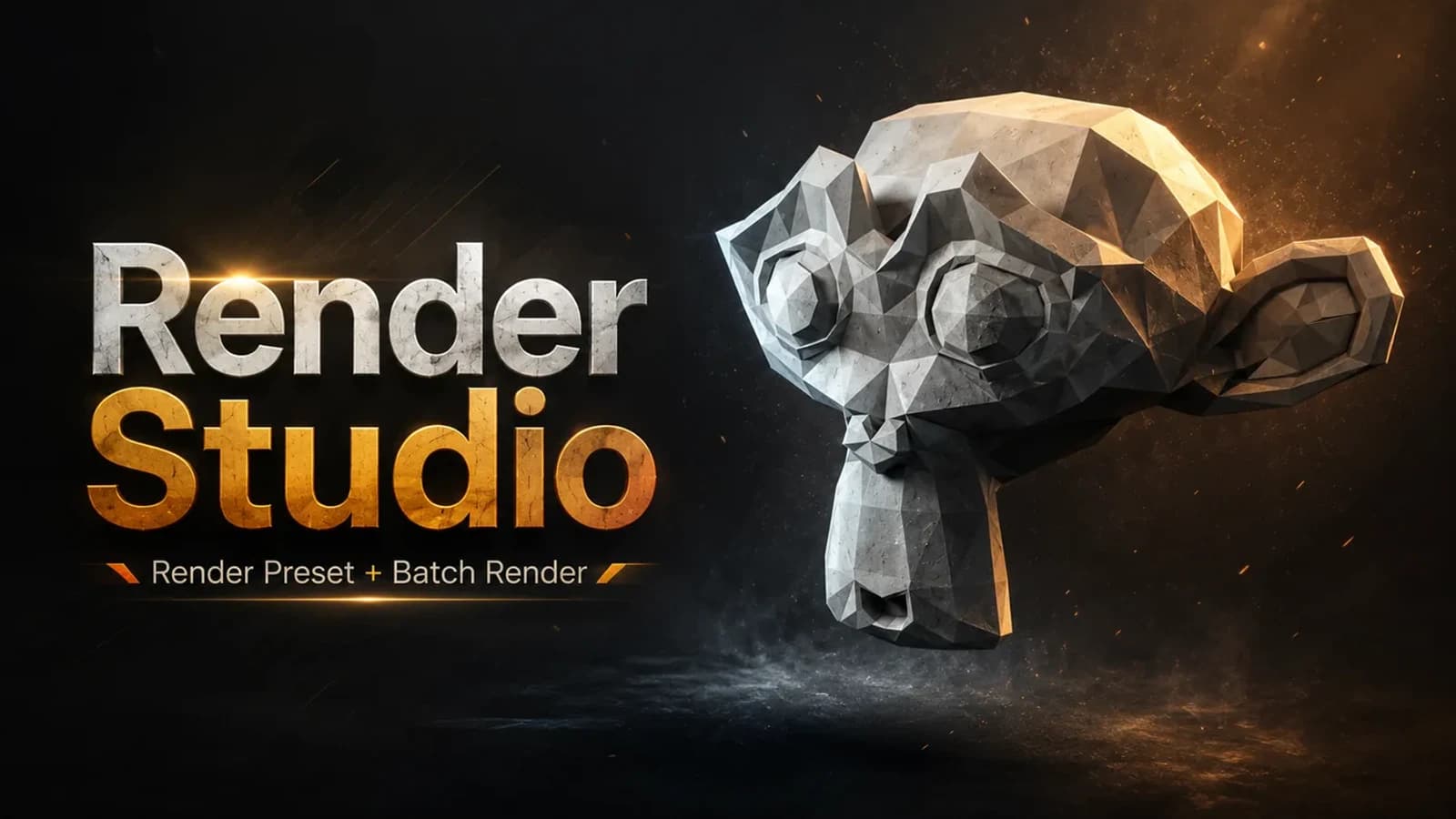
Render Studio is a lightweight render control panel that lives right in your N-panel.