View asset →
Featured
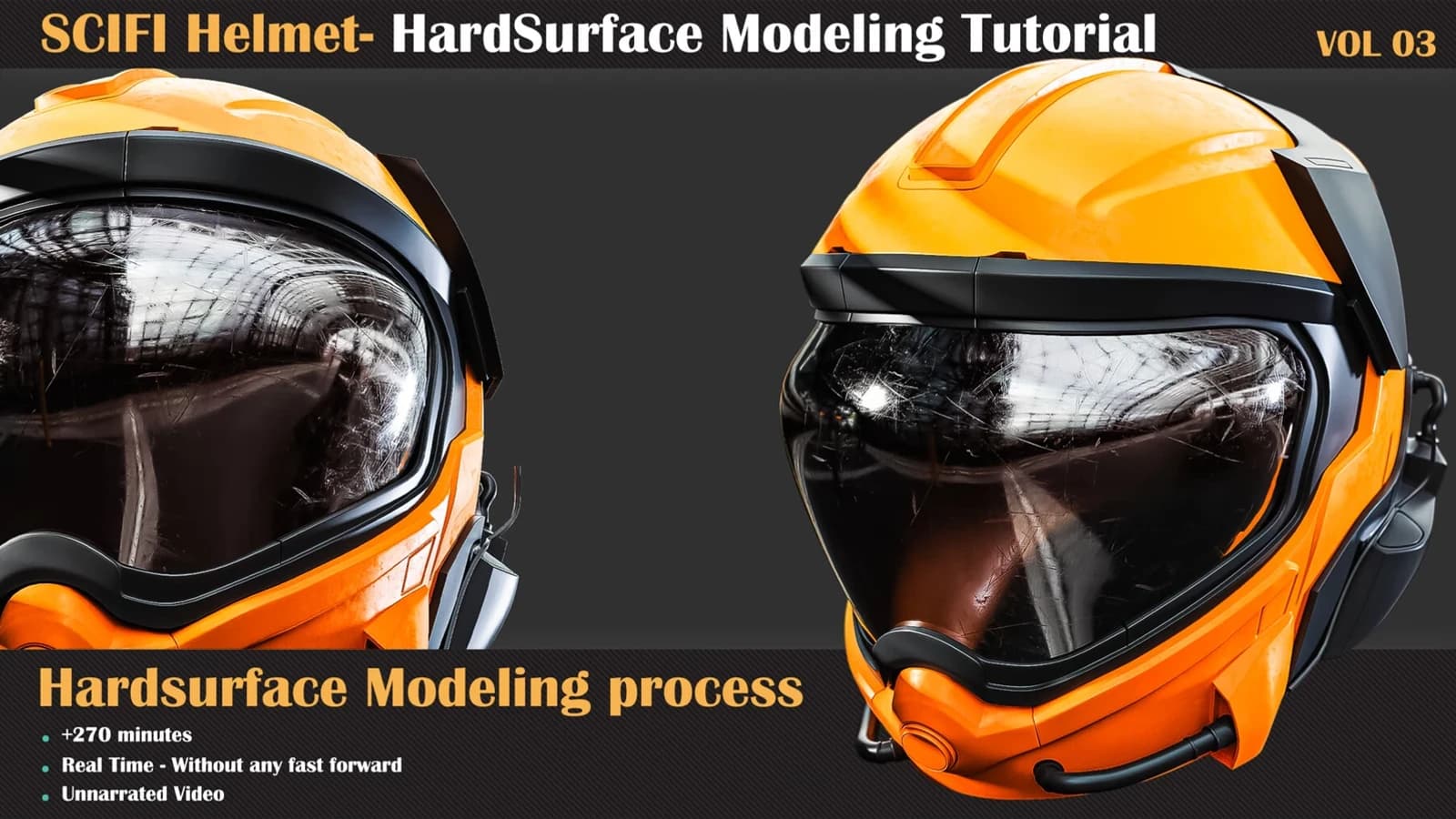
Hardsurface Tutorial Collection — VOL 03 - Scifi Helmet
Hardsurface Tutorial Collection VOL 03 takes a sci-fi helmet from 2D concept to finished hard-surface mesh in 270 unnarrated minutes of 3ds Max.
$9.99
Not available yetThis product is the first part of the ZBrush modelling video process, and in the first part, we decide to have a Hard-surface model. ZBrush has a great set of features for modelling, and you can use them without any worries about topology problems. So let's start this journey in ZBrush and enjoy modelling Hard-surface Models.
We use one of the excellent works from Yaroslav K.
Part 3: In this part, we went 90% of the modelling path, and now it is the turn of detail, and this step is as important as the previous steps. The final model's beauty is in the details that we add to our model here.
Pixologic ZBrush 2022
Intermediate
Prerequisite Basic knowledge of ZBrush ( how to navigate and work with primary functions in ZBrush )
Attention: the final model doesn't include this product.
Attention: There is a Project File that includes the links to items used in the tutorial and a reference zip file that includes references.
Attention: all videos are unnarrated (it means there are no voice-over videos or subtitles).
Every purchase includes free lifetime updates and a no-questions-asked 7 day money back guarantee.
Each tutorial follows one asset from start to finish in real time. Every decision is explained as it is made, so you can see not just what was done but why that approach was chosen over the alternatives.
Hardsurface Tutorial Collection VOL 03 takes a sci-fi helmet from 2D concept to finished hard-surface mesh in 270 unnarrated minutes of 3ds Max.
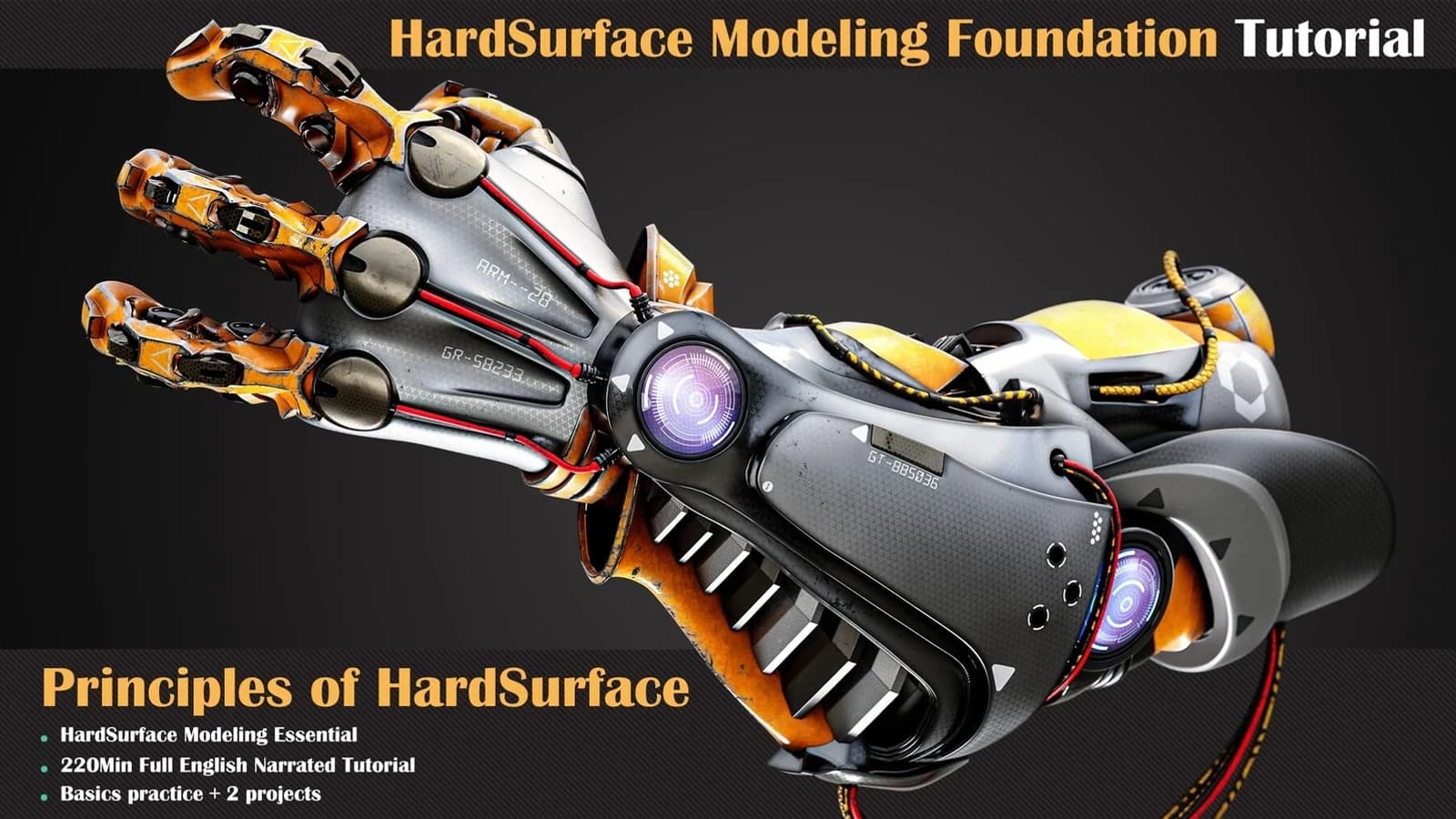
Learning the basics of a job is one of the most important things to consider.
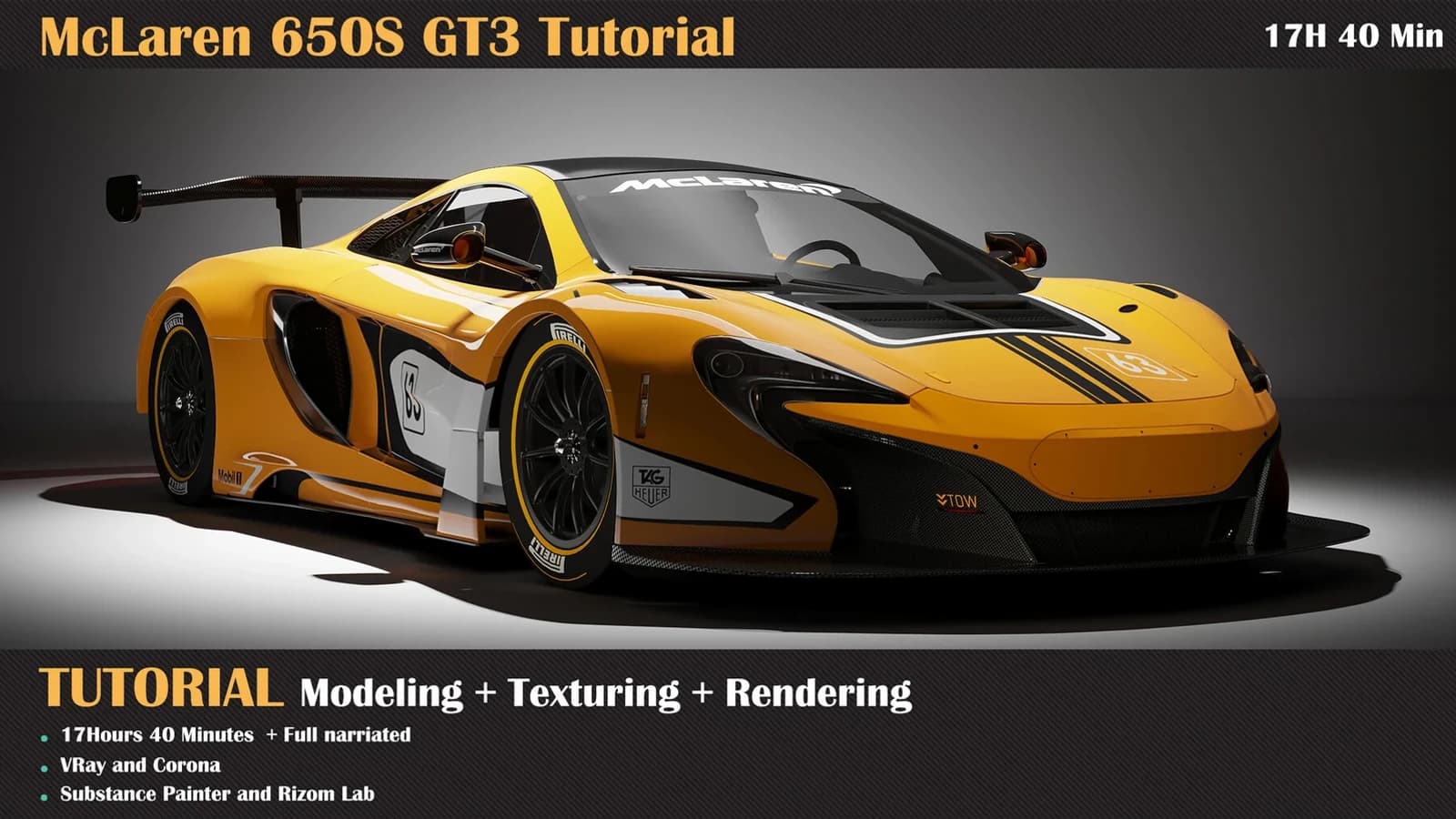
McLaren 650S GT3 Tutorial ( Modeling, Texturing, Lighting ). MP4 included. Built for Substance Painter and 3ds Max. Published November 2021.
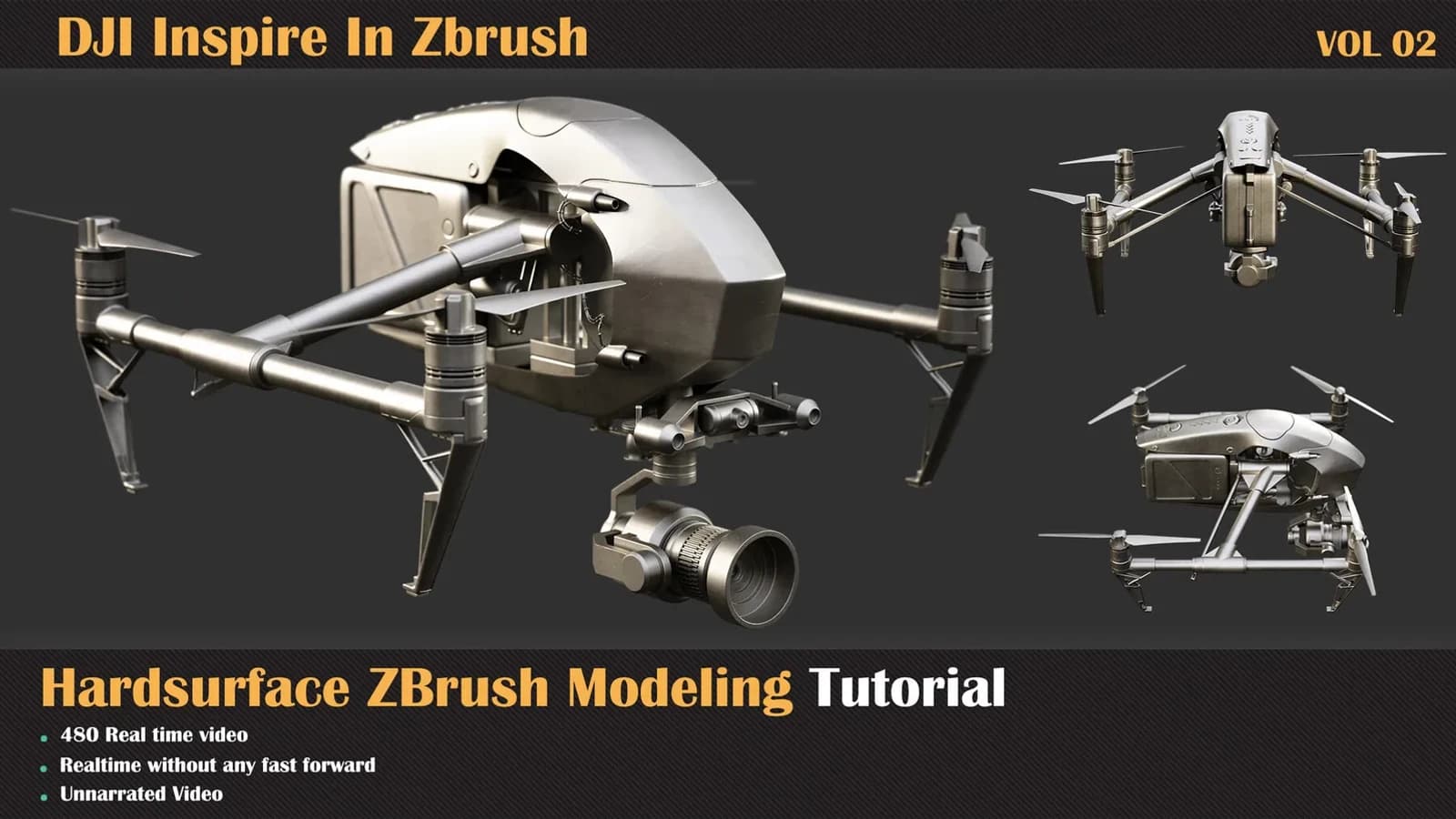
We will model a DJI Inspire Drone in the second section of the ZBrush modelling video process.